Media Composer
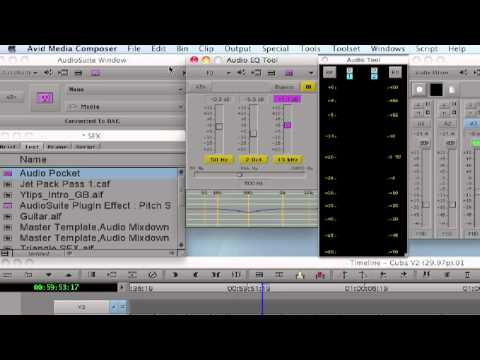
Mama, where did i put that Audio EQ Template?
Here is a great tip on how to keep your audio eq, and audio suite plugin effect templates in a safe place so you can

Here is a great tip on how to keep your audio eq, and audio suite plugin effect templates in a safe place so you can
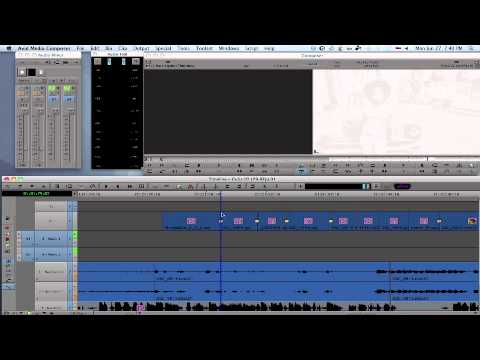
A fantastic Tip on how to quickly synchronize a music beat to the Video in the Timeline. Same thing for synchronizing a Video frame to
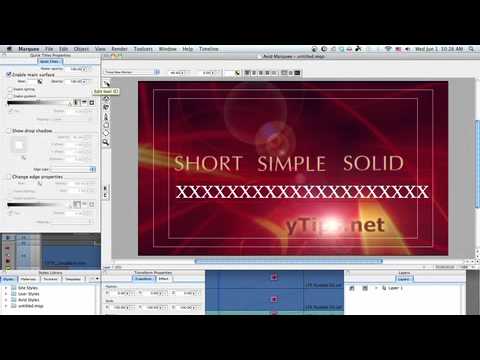
Here is a nice tip on how to generate titles using Marquee’s Autotitler feature. You don’t need to be an expert on Marquee to use
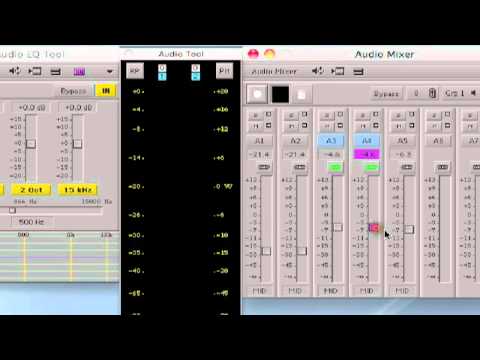
When mixing music with narration or dialog, use the Audio EQ tool to lower only frequencies that collide with vocals.
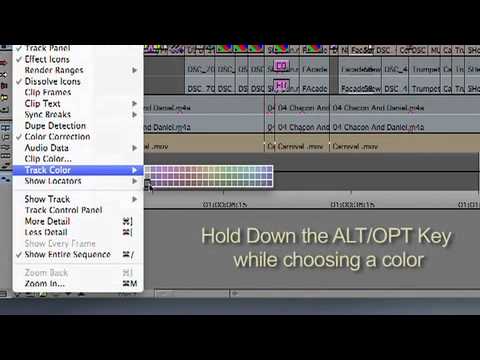
This tip will show you how to customize Timeline tracks or Bin backgrounds with your preferred colors, not the ones provided by Avid.
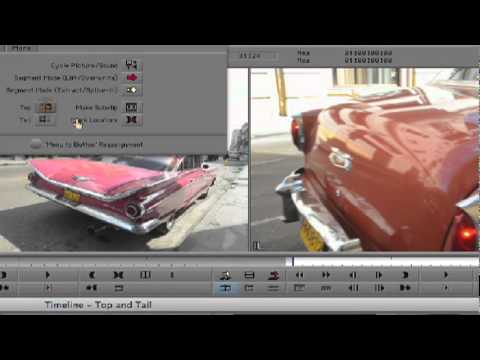
Check out this tip to quickly trim footage in the Timeline using Top & Tail – Media Composer.
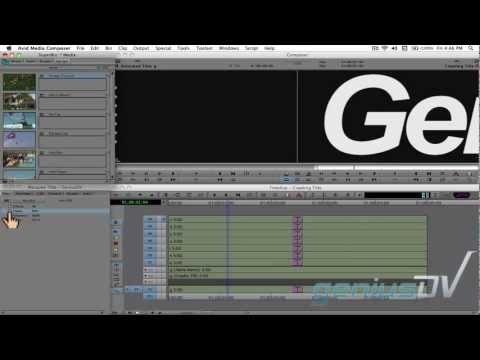
Lear how to create a giant crawling title with video inside each letter by using a combination of Avid Media Composer and the Marquee title
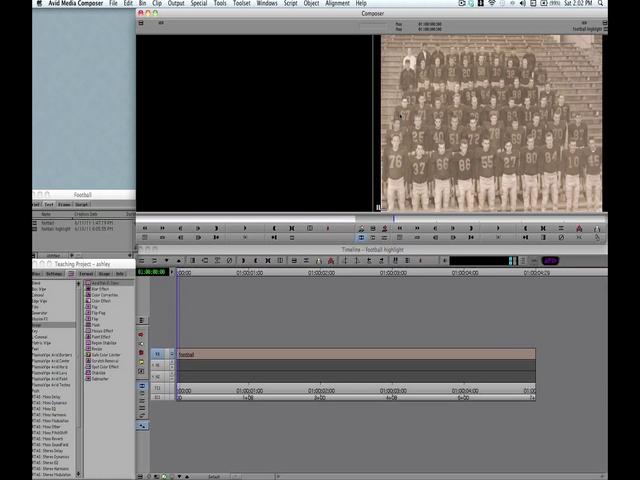
In this video tutorial, you’ll explore how to replicate the famous “highlight-and-zoom” effect, made famous by documentarian Ken Burns. This Avid Media Composer video tutorial

Award-winning, ACE-certified Media Composer is the editing choice of the most demanding professionals in film, TV, and video production. Paired with the PhraseFind and/or ScriptSync
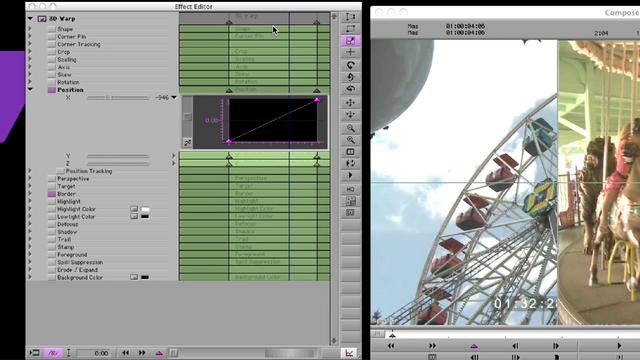
Two updates to Media Composer’s Effect Editor: Start and End Key Frames is now available as a contextual menu pick and the default frame interpolation
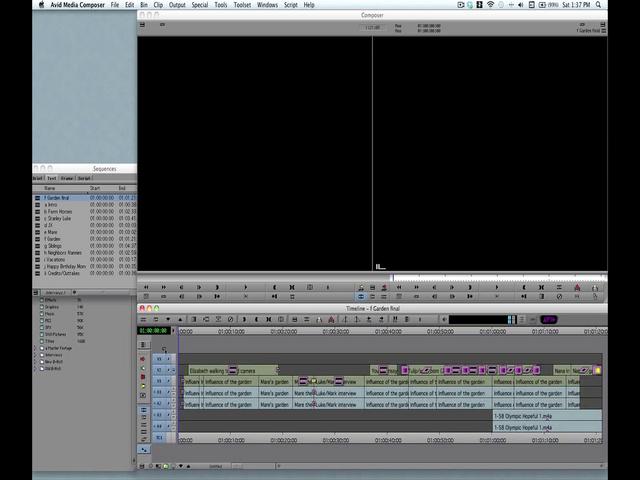
Every efficient editor should customize his or her editing workspace as much as possible. This video tutorial will teach you some powerful shortcuts to customize
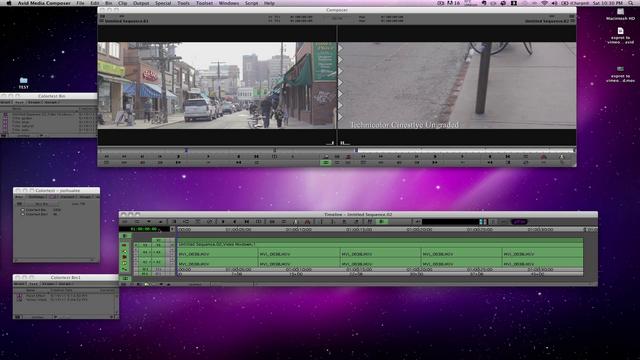
This video will show what settings you need to have to expoert HD material for uploading to Vimeo. Note: If your video is standard definition,
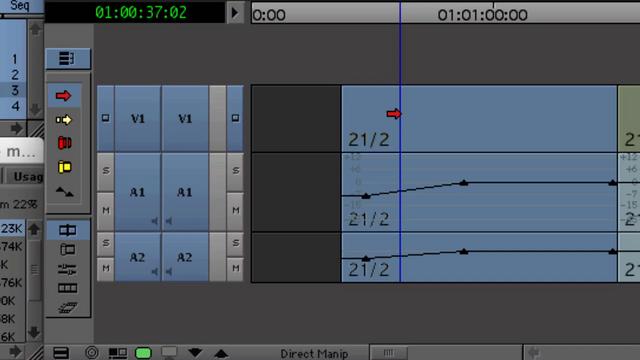
A subtle but very important change to Media Composer 5 is the addition of the Link Selection Tool as well as the Smart Tool editing
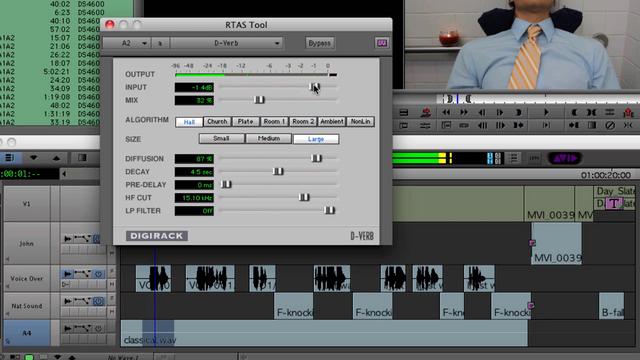
There are a number of great new features in Media Composer 5 in terms of how you work with audio. We’ll start by looking at

When the Yankees shoot a “day in the life of Derek Jeter” segment for Yankees On Demand, a weekly hour-long program of exclusive Yankees content,
Learn more: http://www.avid.com/US/products/family/Media-Composer?cmpid=AV-SM-MC5-3 With invisible, graceful editing and a workflow that makes the most of every hour of post-production—Media Composer raises the art of collaboration
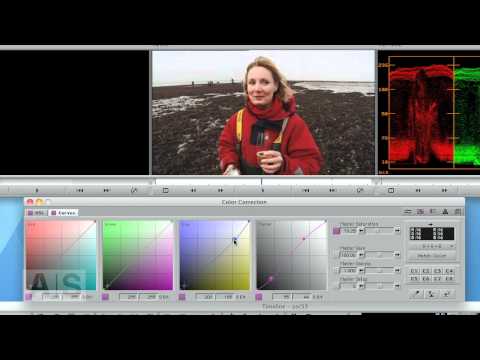
Create interesting effects by pushing the shadows and highlights of a shot towards different hues.
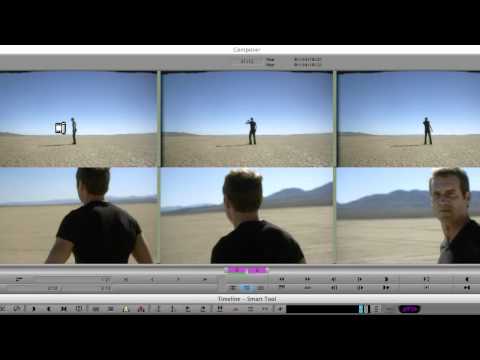
When Media Composer® 5.0 was first introduced in 2010, one of the biggest changes to the application was the introduction of the SmartTool. The SmartTool
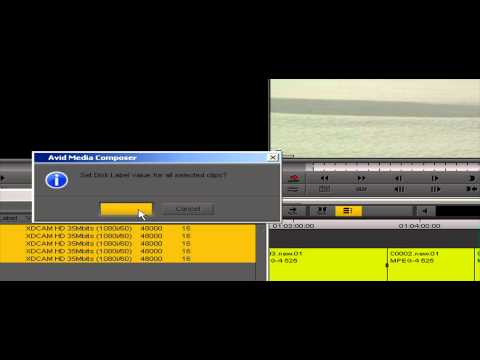
Offline Online Sony XDCAM HD Proxy Workflow. If you have questions about this workflow please post them here: http://community.avid.com/forums/t/94734.aspx
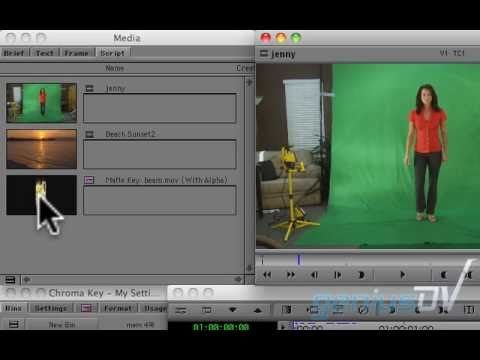
Learn how to create a transport beam effect using a chroma key filter within Avid Media Composer.
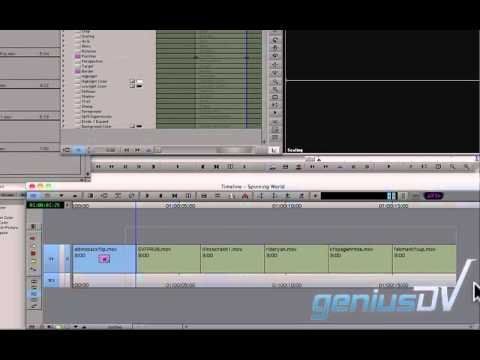
Learn how to use a combination of effects to create a 3D world within Avid Media Composer.
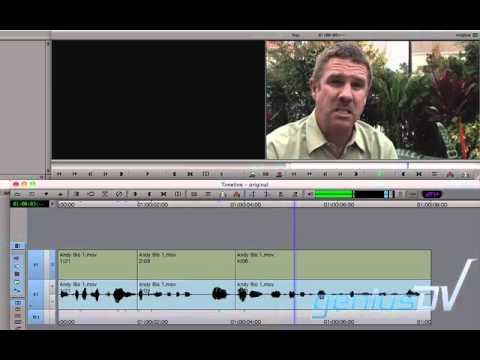
Learn how to fix jump cuts using the Fluid Morph effect within Avid Media Composer.
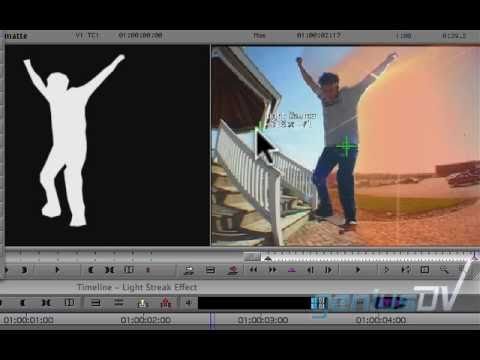
Learn how to use a combination of Avid Media Composer and the Marquee Title tool create an amazing light streak effect.
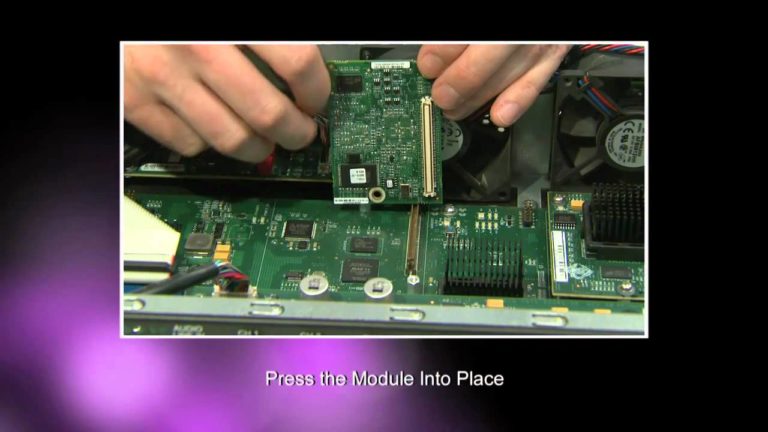
This video will provide step-by-step instructions for installing the AVC-Intra Codec module into your existing Nitris DX hardware. Please refer to your AVC-I Codec Module
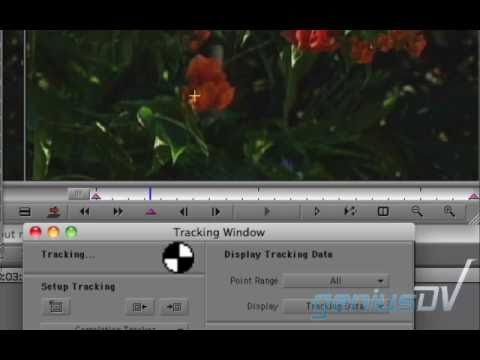
Learn how to use the magic mask effect in Avid Media Composer to create an effect similar to the Pleasantville effect. You can view a
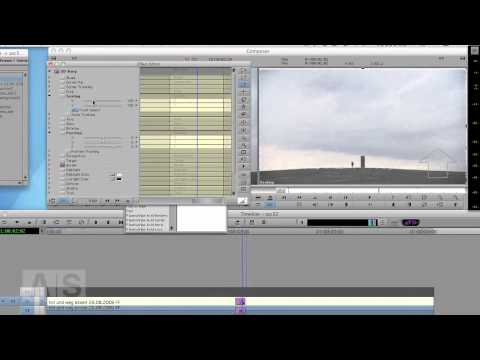
It’s almost Christmas and I did the Santa last year. What’s left? Snow! So this week, we’re going to add snow to an image and
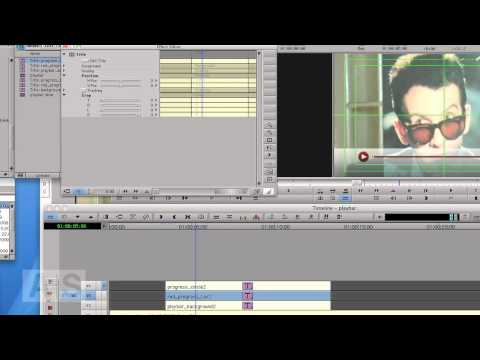
This week, we’ll continue creating a semi-transparent video progress bar as you know them from Youtube et. al. Last week, we created the background elements
Media Composer 5 introduced several improvements to audio (RTAS plug-ins, Stereo Audio Tracks, ability to view automation gain on individual tracks). At the time MC5
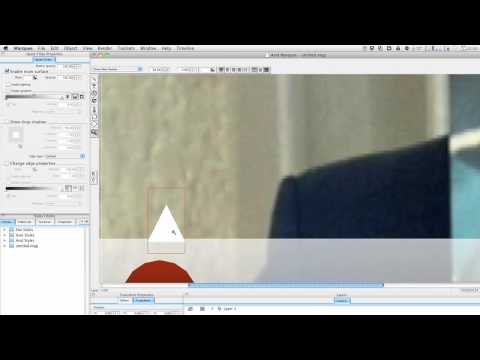
This week and next, we’ll create a semi-transparent video progress bar as you know them from Youtube et. al. We’ll create the elements in Marquee,
How to move Media Composer projects to Avid DS and get started with finishing.
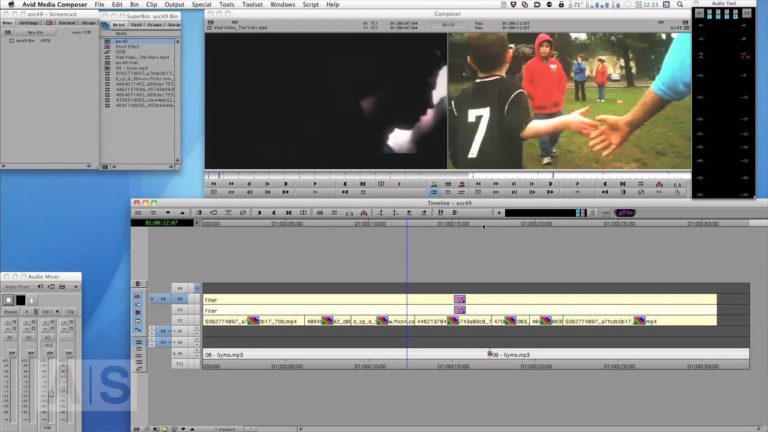
This week, another viewer suggestion: We’ll create the high-contrast, saturated look that is common to many sports trailers. We’ll also play around with BCC’s Glow
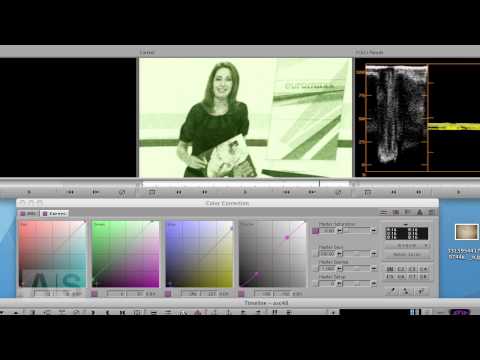
Distort and degrade your shots to give it the look of surveillance camera footage.
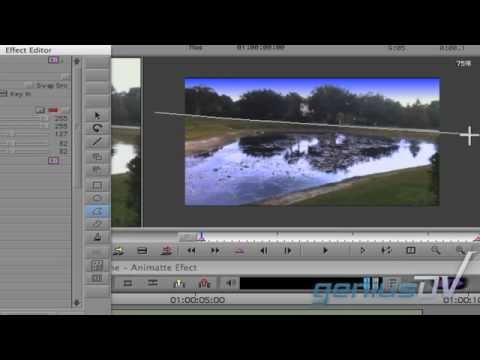
Learn how to use Avid Media Composer’s animatte feature to color correct video. You will also learn how to create a moving matte using Avid
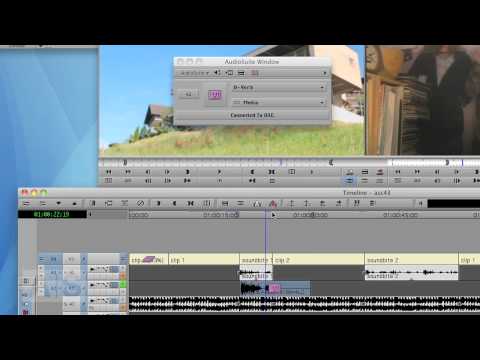
In this last episode in the audio series, I’ll show you how to apply audio effects in Media Composer and a couple of neat real-world
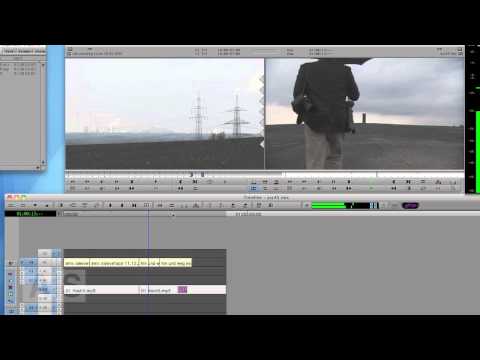
This week, we’ll look into Avid’s EQ Tool. It’s pretty basic (look for more powerful EQs in the AudioSuite), so’ll we’ll cover what it can
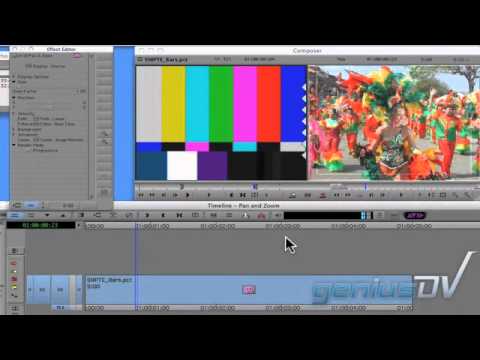
Learn how to create the ‘Ken Burns’ effect using the Pan and Zoom feature within Avid Media Composer. You can view a full text based
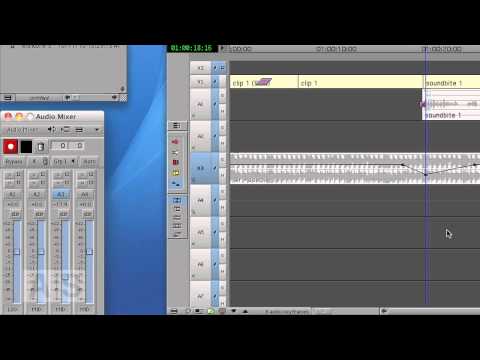
Learn to manipulate audio with keyframes. This is a seven part series with Audio Settings, here are direct links to the other parts: Audio
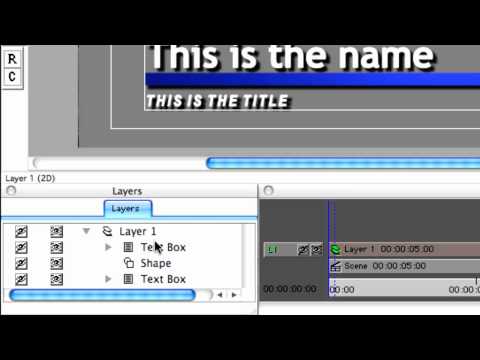
Although it’s primarily relied upon for creating motion titles and graphics in 3D space, Avid® Marquee® can also make quick work of still graphics and
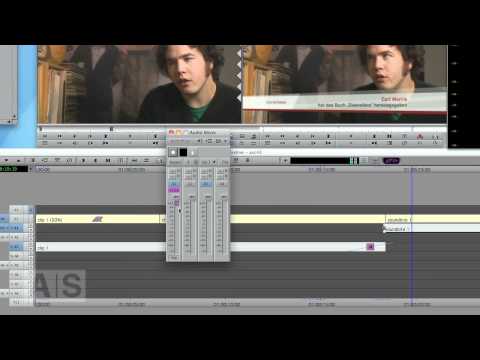
An in-depth look at Media Composer’s audio mixer. This is a seven part series with Audio Settings, here are direct links to the other
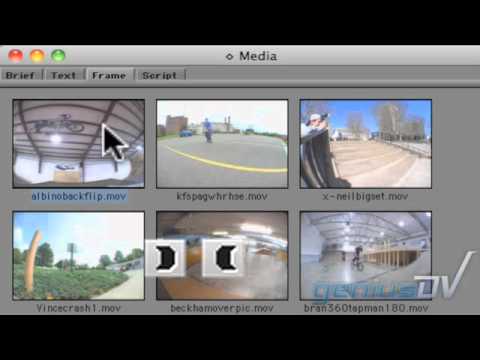
Learn how to edit directly from a bin window within Avid Media Composer without having to load the content into a source window.
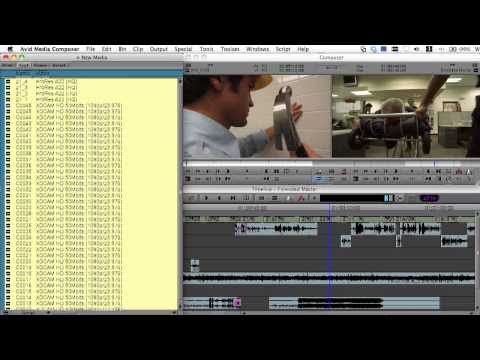
Since being introduced in 2009, the AMA architecture has been expanded in Media Composer© 5.0 to include even more file-based formats. Now in MC5 users
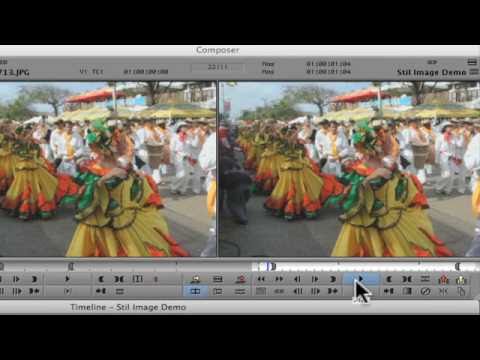
Learn how to create a slideshow in Avid Media Composer by marking in-out points for all your clips at the same time. You’ll learn how
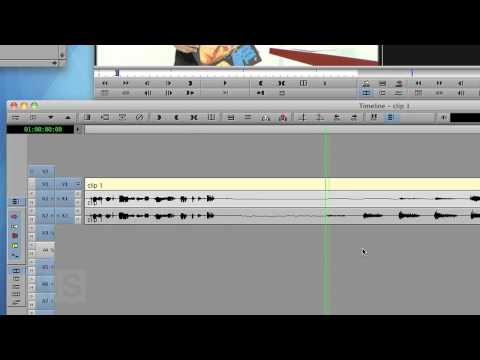
This week, we’ll make some very simple audio edits, create transitions, check out waveforms and get rid of those horrid pops that are sometimes created
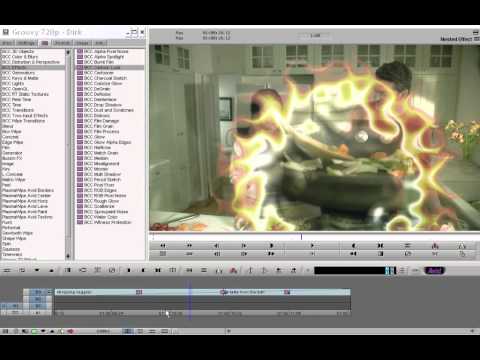
Boris Continuum Complete AVX for Avid DS brings nearly 200 filters to Avid DS Version 10.2.1 and higher. BCC AVX is bundled with all Avid
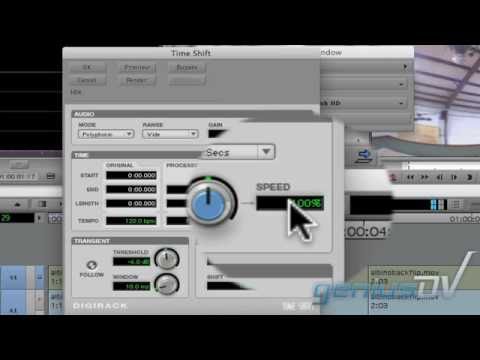
Learn how to create a speed ramp effect within Avid Media Composer. You’ll also learn how to slow down the audio using Media Composer’s set
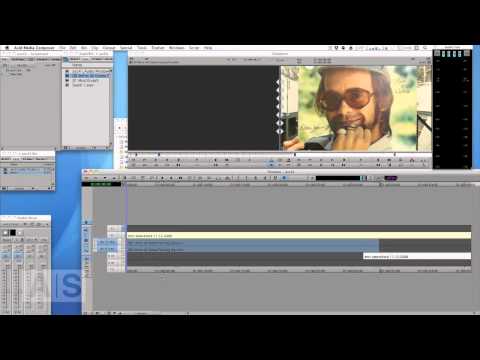
Everything you ever wanted to know about stereo tracks, a new feature in Media Composer 5. This is a seven part series with Audio
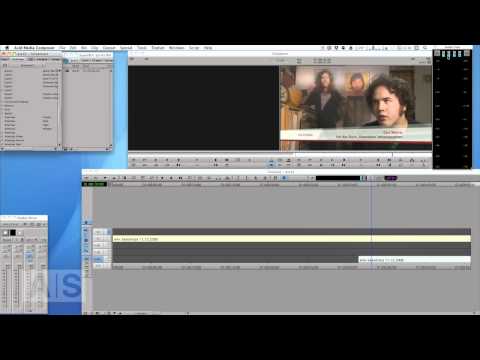
NOTE: This version of the tutorial is slightly shortened because of Youtube length limitations. Deal with the various Audio Settings in Media Composer. This

Hi, I’m the guy updating this site. I hope you enjoy it, and that it’s useful for you. I don’t make the videos here, but I do collect them and add it here, so you can find them.
If you enjoy this page, and you absolutely want to give something back for my work of collecting these, then here is my paypal.

