Media Composer
Media Composer Quick Tips: Creating Split Ends with Extend
Learn how to use Media Composer’s Extend function to create split ends. ▶️ https://bit.ly/3gcLgPD

Learn how to use Media Composer’s Extend function to create split ends. ▶️ https://bit.ly/3gcLgPD
Discover how to save time in Media Composer by creating an export template for your custom YouTube setting. ▶️ https://bit.ly/3gcLgPD
Explore how to access existing or create new user profiles within an open Media Composer project. ▶️ https://bit.ly/3gcLgPD
Explore how to create a stringout sequence in Media Composer to speed up assembling a narrative scene in a film. ▶️ https://bit.ly/3gcLgPD
Use Media Composer’s FrameFlex feature to create pan and zoom effects that simulate camera movement. ▶️ https://bit.ly/3gcLgPD
Learn how to create a Media Composer project with custom settings for destinations like Instagram. ▶️ https://bit.ly/3gcLgPD
Discover how to use Media Composer’s Consolidate feature to create Avid native media files from linked media without re-encoding. ▶️ https://bit.ly/3gcLgPD
Discover how to use storyboard editing in Media Composer to quickly visualize and assemble scenes. ▶️ https://bit.ly/3gcLgPD
Discover what’s possible when you use Media Composer’s auto-nesting feature to add multiple effects in Media Composer. ▶️ https://bit.ly/3gcLgPD
Learn how to add fades to the beginning and end of your sequence in Media Composer. ▶️ https://bit.ly/3gcLgPD
The latest release of Avid Media Composer includes UI enhancements with the Command Palette Quick Find feature and Reverse Match Frame from the timeline context menu, continued improvements with the dashboard, alignments tools, and performance with Avid Titler +, added functionality with NDI output and the addition of SRT, or Secure Reliable Transport, to stream
Witness for the first time Avid’s “Over the Shoulder” demo in real-time with partner Haivision. Get the inside scoop about all the latest improvements, including: • The addition of SRT to Media Composer enabling a remote “Over the Shoulder” experience. • Increased track limits for Audio and Video. • Dockable and multiple Tool Palette features.
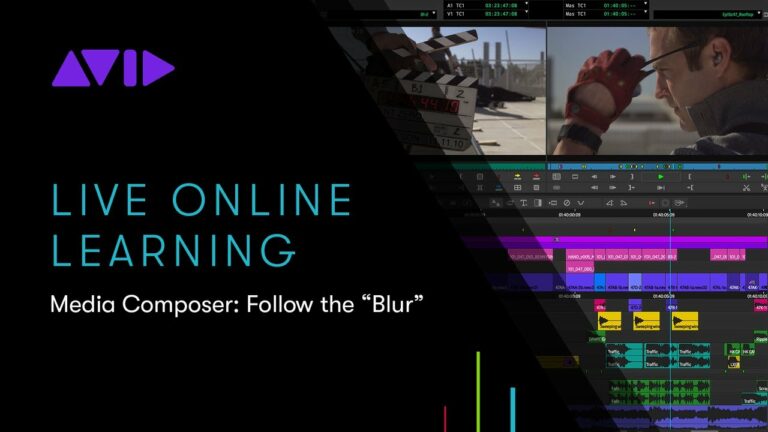
Covering branded logos or a face in the crowd? We will show you how to blur objects in Media Composer and track them throughout your footage. https://www.avid.com/media-composer
Whether you’re a team of two, an organization of thousands, or anything in between, Avid MediaCentral accelerates your workflow, scaling from the simplest to the most sophisticated solutions for post production, news, sports, and asset management. LEARN MORE https://www.avid.com/products/mediacentral
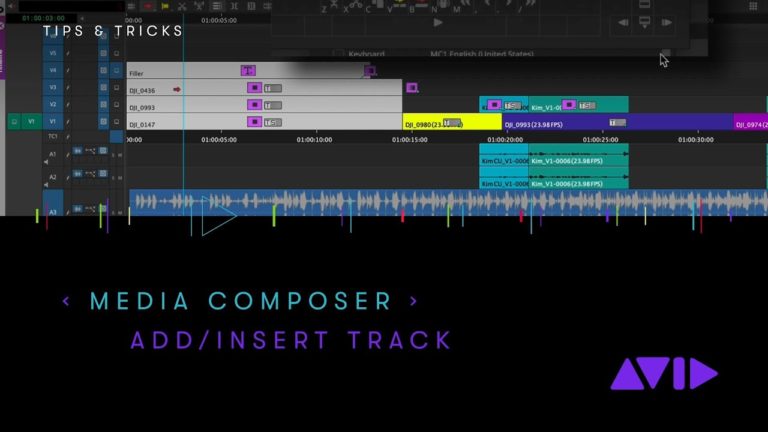
You can ADD a new Audio or Video track top or bottom of your current Avid Media Composer sequence with a keystroke or clip drag. But how do you easily INSERT a new track into a sequence with a simple keystroke?

Hi, I’m the guy updating this site. I hope you enjoy it, and that it’s useful for you. I don’t make the videos here, but I do collect them and add it here, so you can find them.
If you enjoy this page, and you absolutely want to give something back for my work of collecting these, then here is my paypal.

