Boris TV, Episode 177: Recreating the Universal Studios Logos, Part I

In this two-part series of Boris TV, Paul Ezzy shows you how to recreate the iconic Universal Studios logo – animated 3D text on an animated 3D globe.

The versatile logo or opening graphic style can be applied across multiple genres, including a global newscast, an environmental docu-series or a reality series race.

In Part I, you’ll learn how to create the 3D animated text using extruded 3D text and motion paths.

Want to follow along? The project file is compatible with Avid FX; Boris RED for Premiere Pro, Sony Vegas, After Effects (Windows only), Final Cut Pro, and Edius; and Boris RED as a stand alone.

FIND SIMILAR VIDEOS

More like this

Extensions

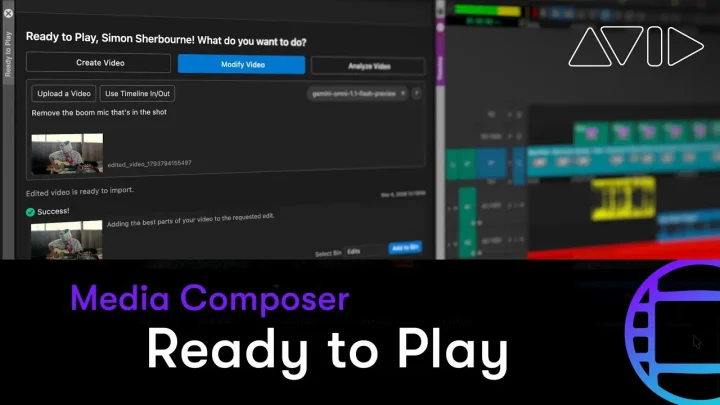
Introducing Ready to Play for Avid Media Composer

Introducing Ready to Play, a new creative AI experience for Avid Media Composer. See Create Video, Analyze Video, and Modify Video in action, giving editors new ways to explore ideas while keeping editorial decisions in their hands. Developed by Avid. Built with Google Gemini. LEARN MORE ▶️ https://avid.com/resource-center/whats-new-ready-to-play-avid-media-composerMEDIA COMPOSER ▶️ https://avid.com/media-composerMEDIA COMPOSER EXTENSIONS ▶️ https://www.avid.com/media-composer/extensions

Watch now
Media Composer

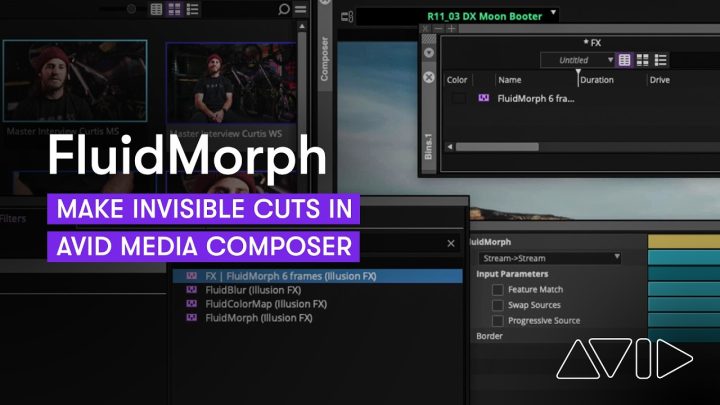
Create Invisible Cuts with FluidMorph in Media Composer

Sometimes the best edit is the one nobody notices.In this tutorial, Susan Vaill, ACE shares how she uses FluidMorph in Media Composer to tighten performances, remove pauses, and create seamless edits that preserve the flow of a scene. You’ll learn how to:• Remove unwanted pauses without cutting away• Hide jump cuts using FluidMorph• Adjust transition

Watch now
Media Composer

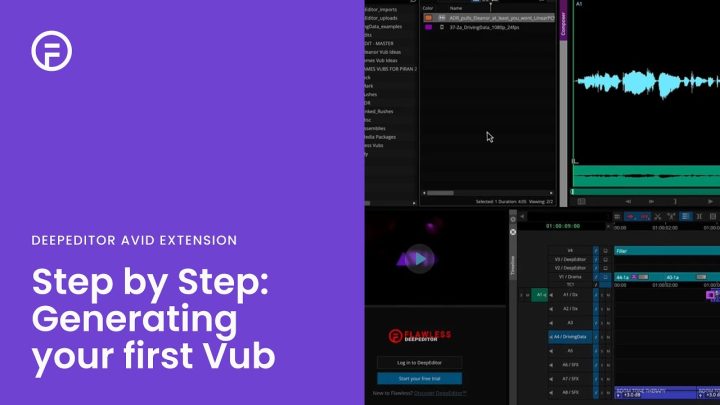
Flawless Academy – DeepEditor Avid Extension – A Step by Step Guide

DeepEditor is now deeply integrated into the Avid Media Composer ecosystem, with an updated release that introduces notable UI improvements and a streamlined workflow for creating visual dialogue edits directly from the timeline using Assistive AI. In this walkthrough, you’ll learn how to generate your first visual dub (vub) using the Flawless DeepEditor Avid extension.

Watch now