EVF Tutorial – Changing (Remapping) Keyboard in Avid Media Composer

This tutorial is on how to change, also known as, remap your keyboard in Avid Media Composer.

I’ll show you how to duplicate keyboard settings, add actions or shortcuts from the Command Palette onto your keyboard, add items from menus onto your keyboard and more. Below are some useful links mentioned in the video.

Website: http://www.editvideofaster.com

My Editing Keyboard: http://www.amazon.com/dp/B001V70LDW/?… (affiliate link)

Stock Video by VideoHive: http://videohive.net/?ref=shortedits (affiliate link)

Twitter: https://twitter.com/editvideofaster

I come out with a new post production-related tutorial every Friday. Make sure to subscribe to the channel so you’re the first to see them! Let me know if there was anything you’d like me to go more in depth on from this tutorial or if there are any tutorials you’d like to see in the future.

I’m here to help you edit video faster.

FIND SIMILAR VIDEOS

More like this

Media Composer

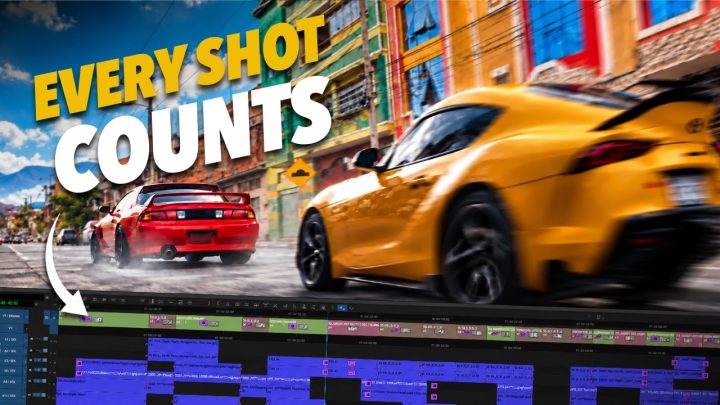
Why This Scene Needed More Than Just Cuts (Editing Breakdown)

See how I used creative editing techniques to make a car racing scene feel faster, longer, and more dramatic. Follow along in my actual Avid Media Composer timeline as I break down the decisions behind the sequence. I’ll show you how I manipulated speed, rearranged footage, created VFX shots, extended the sequence, and used sound

Watch now
Media Composer

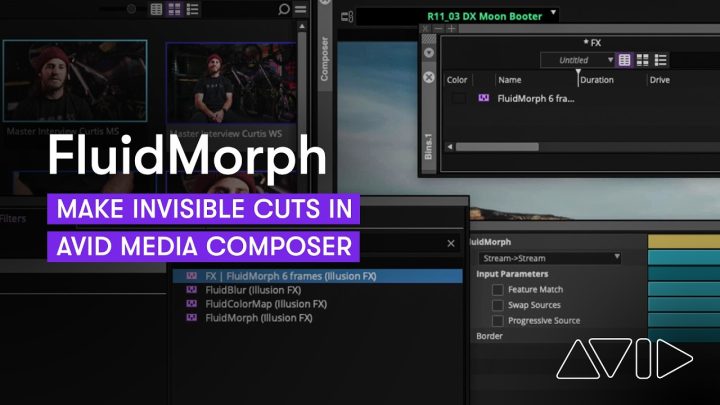
Create Invisible Cuts with FluidMorph in Media Composer

Sometimes the best edit is the one nobody notices.In this tutorial, Susan Vaill, ACE shares how she uses FluidMorph in Media Composer to tighten performances, remove pauses, and create seamless edits that preserve the flow of a scene. You’ll learn how to:• Remove unwanted pauses without cutting away• Hide jump cuts using FluidMorph• Adjust transition

Watch now
Media Composer

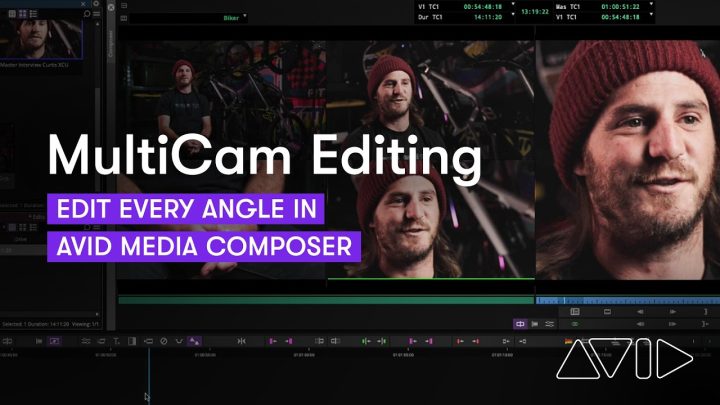
How to Use MultiCam Editing in Media Composer

The best angle isn’t always obvious until you see them all together.In this tutorial, learn how to use MultiCam editing in Avid Media Composer to sync multiple camera angles, cut performances in real time, and refine your edit without losing synchronization. You’ll learn how to:• Create Group Clips using waveform analysis, timecode, or sync points•

Watch now