Sapphire Stylize Effects for Avid Media Composer – TV Damage

Learn more about Sapphire and download a free trial: https://goo.gl/2LcKxi

The possibilities are endless with Sapphire, the VFX plugin suite from Boris FX. Sapphire’s legendary image processing quality, high degree of control, unlimited design potential, intuitive user interface, and lighting fast render times make it an essential toolset in the post production world. Sapphire supports the most popular applications in post-production.

For more from Boris FX, follow us:

Facebook: https://www.facebook.com/borisfx
Twitter: https://twitter.com/borisfx
BorisFX: https://borisfx.com/
Sapphire: https://borisfx.com/products/sapphire/
Continuum: https://borisfx.com/products/continuum/
Mocha: https://borisfx.com/products/mocha/

FIND SIMILAR VIDEOS

More like this

Extensions

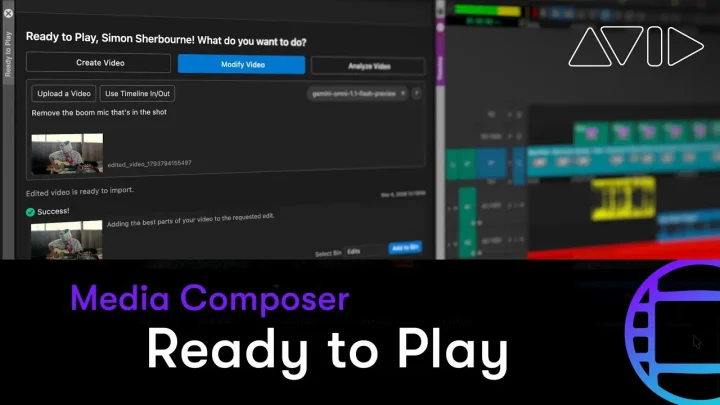
Introducing Ready to Play for Avid Media Composer

Introducing Ready to Play, a new creative AI experience for Avid Media Composer. See Create Video, Analyze Video, and Modify Video in action, giving editors new ways to explore ideas while keeping editorial decisions in their hands. Developed by Avid. Built with Google Gemini. LEARN MORE ▶️ https://avid.com/resource-center/whats-new-ready-to-play-avid-media-composerMEDIA COMPOSER ▶️ https://avid.com/media-composerMEDIA COMPOSER EXTENSIONS ▶️ https://www.avid.com/media-composer/extensions

Watch now
Media Composer

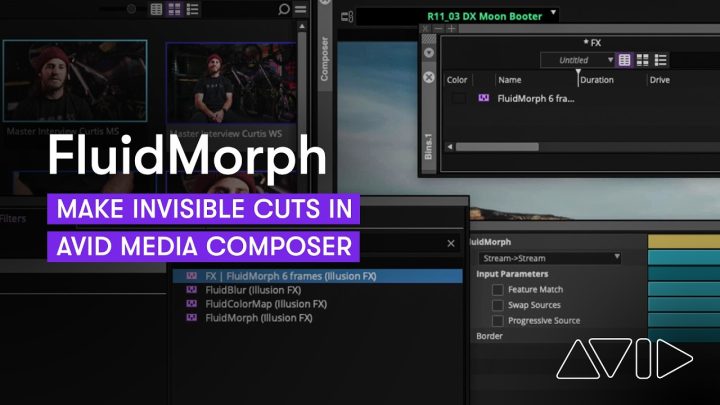
Create Invisible Cuts with FluidMorph in Media Composer

Sometimes the best edit is the one nobody notices.In this tutorial, Susan Vaill, ACE shares how she uses FluidMorph in Media Composer to tighten performances, remove pauses, and create seamless edits that preserve the flow of a scene. You’ll learn how to:• Remove unwanted pauses without cutting away• Hide jump cuts using FluidMorph• Adjust transition

Watch now
Media Composer

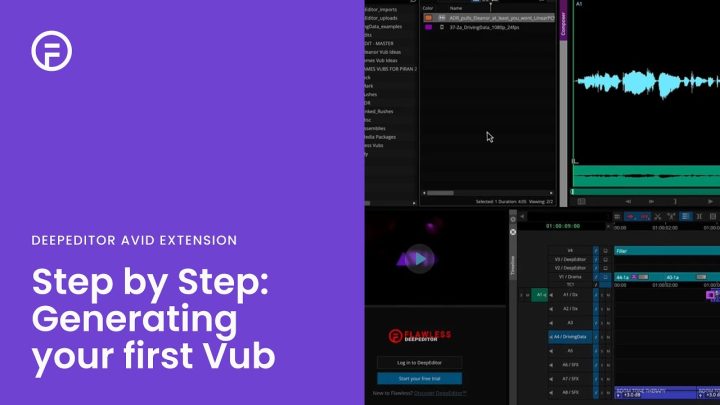
Flawless Academy – DeepEditor Avid Extension – A Step by Step Guide

DeepEditor is now deeply integrated into the Avid Media Composer ecosystem, with an updated release that introduces notable UI improvements and a streamlined workflow for creating visual dialogue edits directly from the timeline using Assistive AI. In this walkthrough, you’ll learn how to generate your first visual dub (vub) using the Flawless DeepEditor Avid extension.

Watch now