
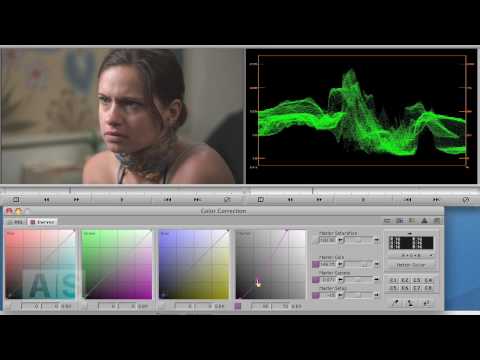
Avid Screencast #23: Color Correction Basics II – Manipulating Contrast
NOTE: I had to trim this video down because of Youtube length limitations. See the full episode at http://avidscreencast.com/asc23 Manipulate the contrast of an image
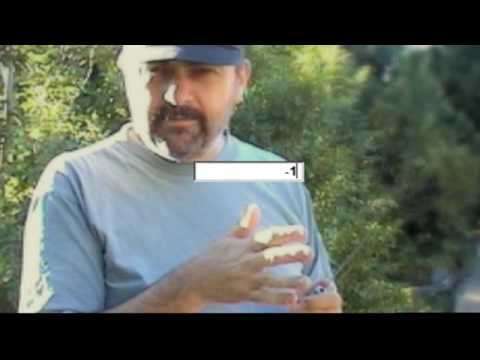
Episode Fifteen: Cheesy “How To” Transitions Part Two
Yet another transition I recently saw that is really easy to build. Once again, no third-party applications. Everything is done right inside the Avid
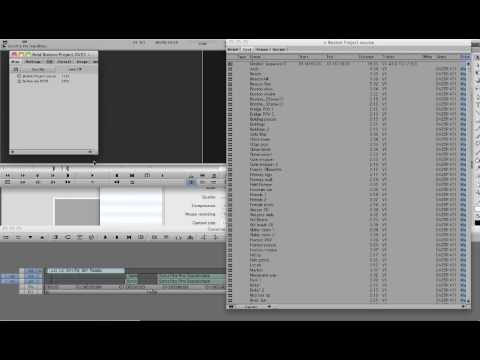
Customizing Your Avid Bin
A short video tutorial on how to customize views in your Avid Media Composer bin. To learn more things like this, go to PostFifthPictures.com
Episode Fourteen: Cheesy “How-To” Transitions Part One
In this episode, we take the Animatte a couple of steps further and check out an effect used for introducing talent in a TV show
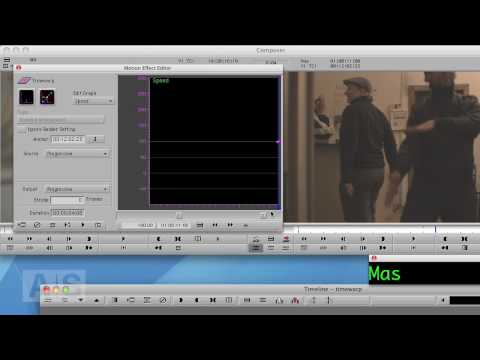
Avid Screencast #21: Tackling the Timewarp II
In this episode, we’ll continue our deep-dive into one of the most powerful and most-used effects in Avid: The Timewarp. We’ll cover the following basics
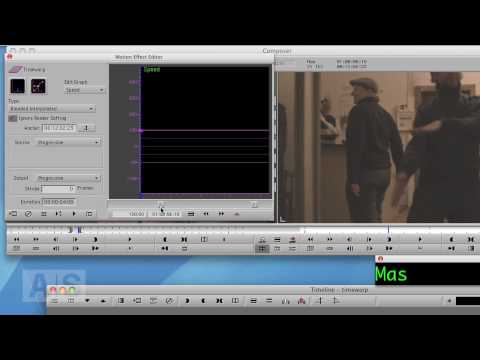
Avid Screencast #20: Tackling the Timewarp I
NOTE: I had to trim this video down because of Youtube length limitations. See the full episode at http://avidscreencast.com/asc20 In this episode, we’ll continue our
Pow! Pix: Covering the 2010 Winter Games 2010
Here’s an exclusive behind-the-scenes look at how Pow! Pix, a New York-based post production facility, created various features, promos and teaser segments from the figure
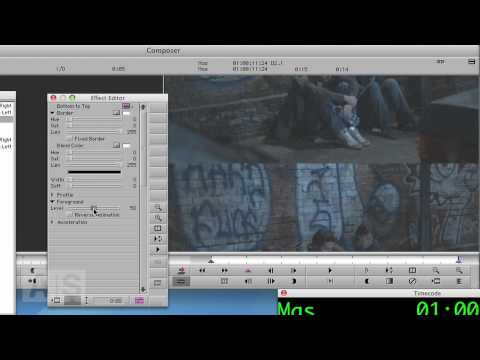
Avid Screencast #18: Broken Projector Transition
Create a transition that looks like a broken projector image flicker. http://www.avidscreencast.com/asc18
Episode Thirteen: Avid Pan & Zoom Plugin
Check out how you can use the Avid Pan & Zoom plugin to preserve all the detail in your hi res graphics when using them
Moving Filmstrip for Avid Media Composer
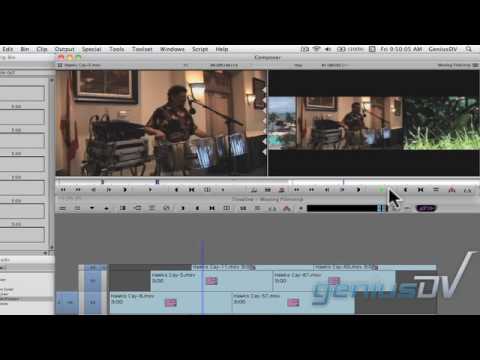
Create a moving filmstrip effect for Avid Media Composer. This is a great lesson for using keyframes and compositing techniques. You can view the entire
Marquee 3D text tutorial
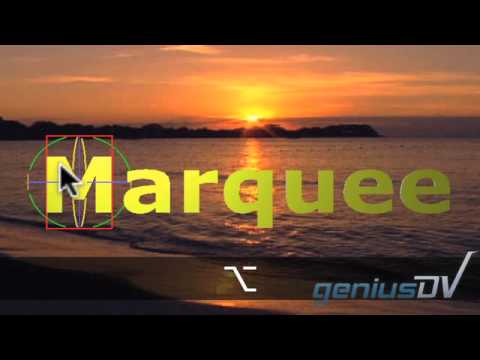
Use Avid Media Composer’s Marquee Title tool to create a sequence of 3D characters that fade up one at a time. You can view more
Avid Screencast #17: Automate Title Creation with Marquee’s Autotitler
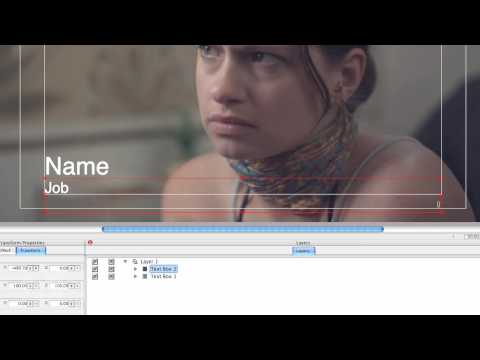
So you have a bunch of subtitles or lower thirds to do. They all look the same, except for the contents. You’re not seriously considering
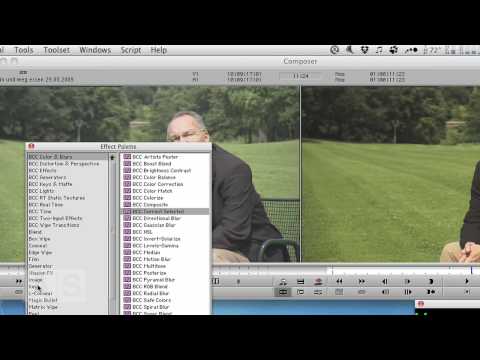
Avid Screencast #16: Secondary Color Correction in Media Composer
Create a secondary color correction in Avid Media Composer. http://www.avidscreencast.com/asc16
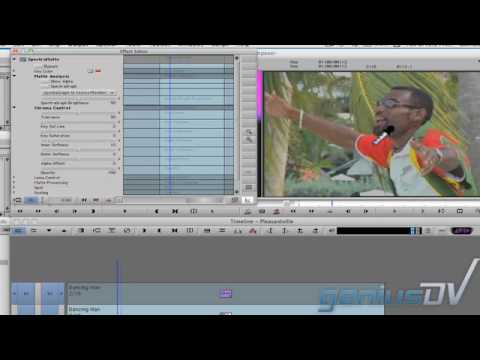
Pleasantville Effect For Avid Media Composer
Learn how to create the Pleasantville effect with Avid Media Composer using the SpetraMatte keyer.
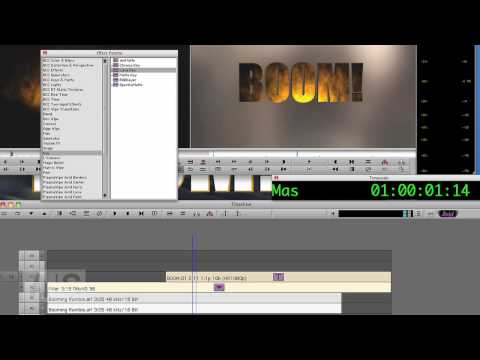
Avid Screencast #14: Spice Up Text with Video
Sometimes the good, old title with static text just doesn’t cut it. In this episode, we’ll make the text be another layer of video.
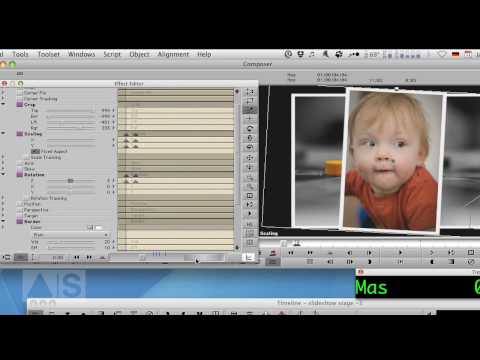
Avid Screencast #12: Animated Photo Slideshow
Create a visually interesting photo slideshow by stacking the photos on top of each other and animating them!
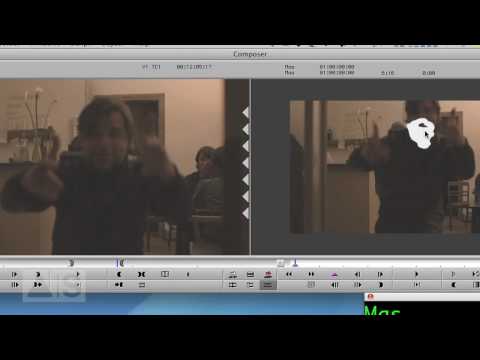
Avid Screencast #10: Special Episode – Obscure Faces
PLEASE NOTE: This is a special Christmas Episode, so… be prepared for that 🙂 Sometimes, you need to obscure the face of a person,
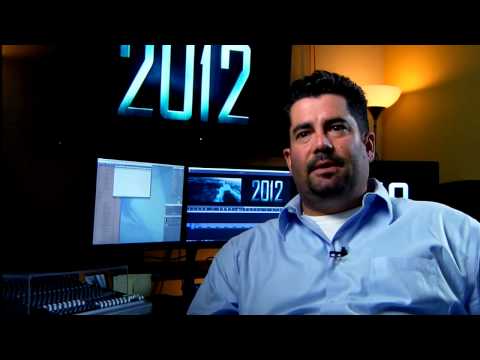
2012: Storytelling on the cutting edge
Telling a riveting, end-of-the-world story can be challenging when theres over 1,400 visual effects wreaking apocalyptic chaos on screen. But for the editing team behind
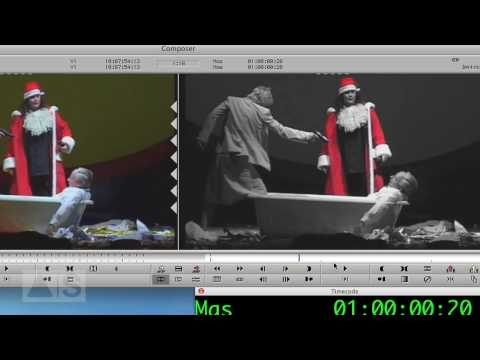
Avid Screencast #05: Pleasantville Effect
In this episode, we’ll create the Pleasantville Effect – everything is black-and-white except for one color – using a Spectramatte and an Animatte for creating
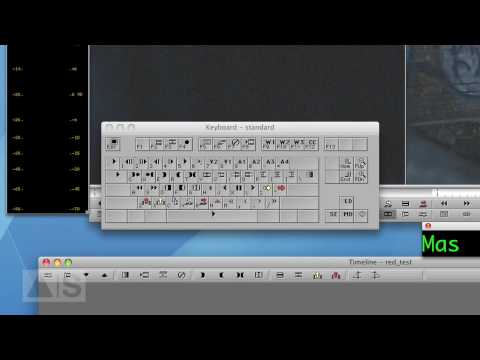
Avid Screencast #06: Remap Your Keyboard!
In this episode, I’ll show you how to remap your keyboard and give you a couple of ideas on what functions to map to it.
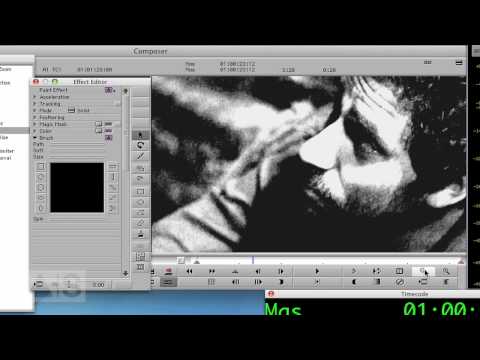
Avid Screencast #07: Kill Bill Effect
Create a high-contrast colorized look to your image to make it pop! Check out the blog enry for this week’s episode: http://avidscreencast.com/asc07
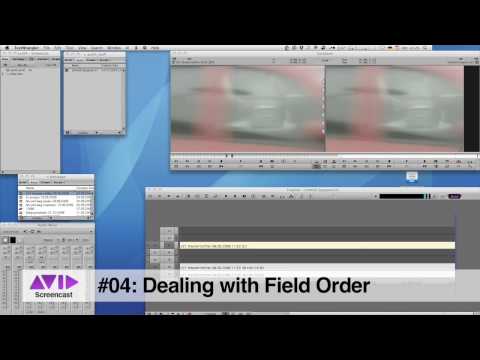
Avid Screencast #04: Changing the Field Order
In this episode, we’ll combat the stuttery mess of wrongly imported or ingested interlaced video footage by swapping the field order with the help of
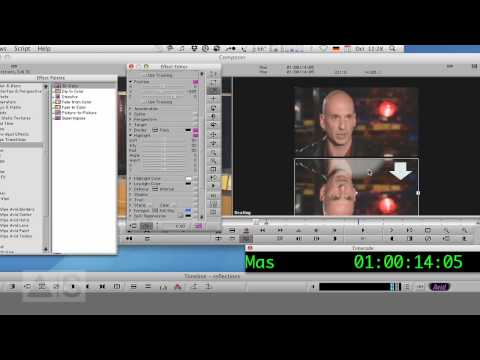
Avid Screencast #01: Real-Time Reflections
In this episode, we’ll create shiny reflections of video as you may know them from the iTunes Store or advertisements. To accomplish that, we’ll use
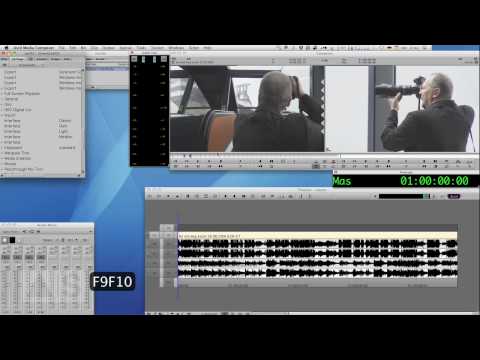
Avid Screencast #02: Toggling Timeline Views With Your Keyboard
In this episode, we’ll increase your productivity by being able to quickly switch between different timeline views. For example, just press a button on your
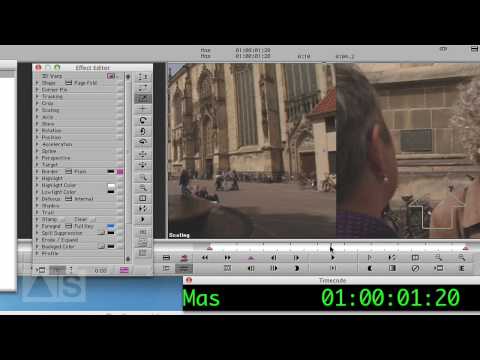
Avid Screencast #03: Swish-Pan, cheap and real-time!
In this episode, we’ll create a swish-pan effect without using 3rd-party plug-ins. So it’s gonna be cheap, easy and will play in real-time! Check out
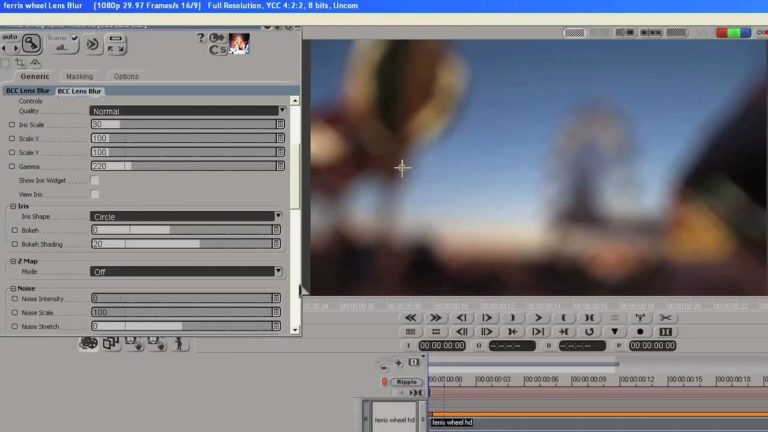
Rack Focus Effect in DS using Boris Continuum AVX Plug in
BCC AVX for DS’s Lens Blur filter emulates a real-world defocused lens effect where the out-of-focus highlights of an image clip take on the shape
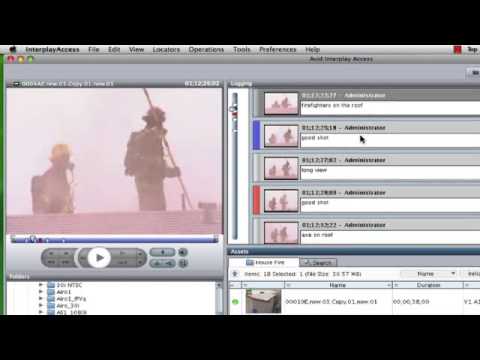
WAN Workflow – Avid Interplay Access over the Internet
WAN Workflow – Avid Interplay Access over the Internet Media operations dealing with more demanding projects, fewer personnel, smaller budgets, and more responsibilities now have
Avid DS Fog and Smoke FX
Create simple and fast fog and smoke effects in Avid DS without a third party particle system. DS presets for this tutorial are available from
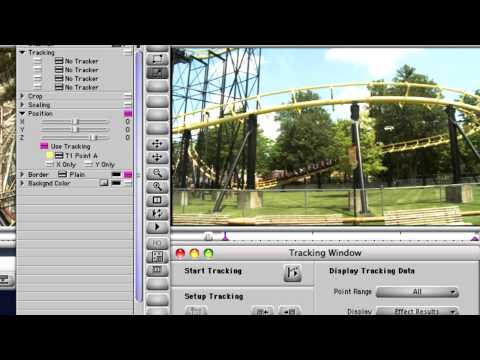
Track and Stabilize Motion in Avid® Media Composer® to Great Effect – Media Composer Cutting Edge
With Avid Media Composer, you can tame shaky hand-held video footage, mask out or color-correct moving objects and elements, and create visual effects more easily

The Ellen DeGeneres Show: Television on the cutting edge
The editors behind The Ellen DeGeneres Show thrive on laughs and collaboration to cut each show, but that almost came to a halt when they
Avid DS Z Buffer FX
This Avid DS tutorial explains the basic use of Z buffer information when compositing 3D animation elements in Avid DS.
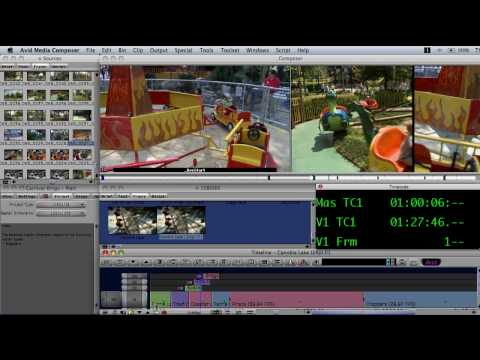
Mix and Match in Media Composer 4 – Media Composer Cutting Edge
When you need to cut together multiple video clips from a variety of sources in mixed resolutions, nothing gives you the speed or superb image

Media Composer 4 – First Look at the World’s Most Advanced Film and Video Editing System
Get more features, more formats, more flexibility, and more fun! Media Composer® 4 is available now on Avid.com and at resellers near you. Mix and
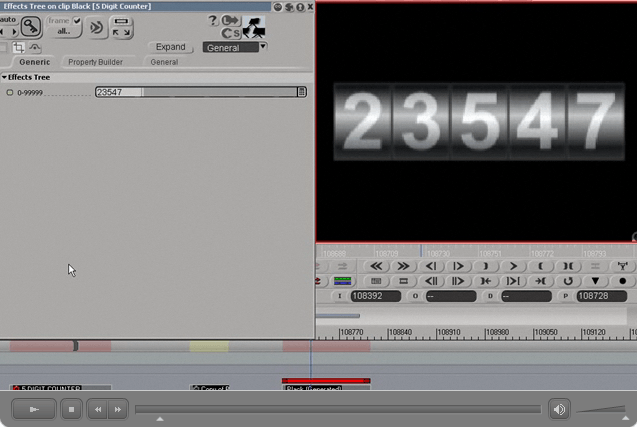
Avid DS Functional On-screen Counter
This is a follow up to the Avid DS On-screen Frame Calculator tutorial from May 2009. This lesson explains how to create the counters which
Transformers and Media Composer – Transforming editors into collaborators
Get your free trial copy of Avid® Media Composer® Tthe same video editing system used by the pros. “I don’t know anyone doing $200 million dollar
DS Timewarps
[almost] Everything you ever wanted to know about Timewarps (but were afraid or too lazy to read the manual to find out). Covers DS’s Constant,
NAB ’09 – What’s New With Avid Media Composer 3.5
Robert Russo, Avid’s Application Specialist, talks to us about the new features and updates to Avid Media Composer 3.5 including the ability to easily edit
Episode Twelve: Animating Text Along a Path
In this episode, Dave Forsyth shows you how to use Avid Marquee to animate text along a pre-drawn path

Entertainment Tonight and Insider turn digital dreams into reality with Avid HD News solutions
You want to do your best work while staying on time and on budget. From ingest to playout, Avid HD News solutions deliver workflow speed,
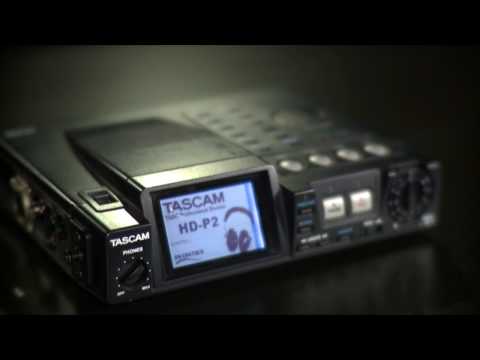
Read Audio Timecode – Media Composer Cutting Edge
Gain more flexibility during production with Read Audio Timecode, a feature in Avid Media Composer that allows you to capture audio and video separately and

We’re Avid, artists & industry experts with one goal. Watch our story.
Avid creates the digital audio and video technology used to make the most listened to, most watched and most loved media in the world. Some
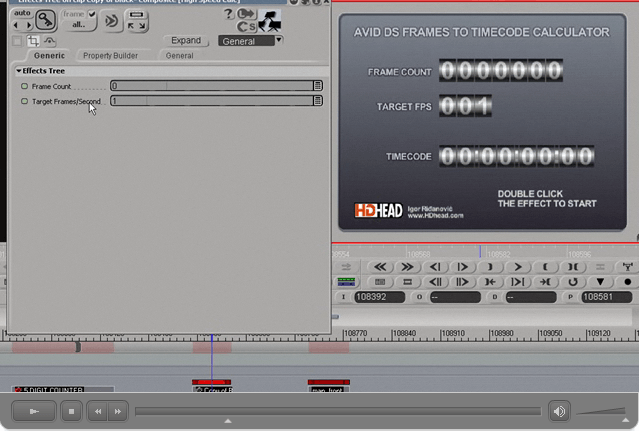
Avid DS Frames to Timecode Calculator
This tutorial explains the use of High Speed Calc preset available at www.hdhead.com. This on-screen calculator for Avid DS can be used to convert
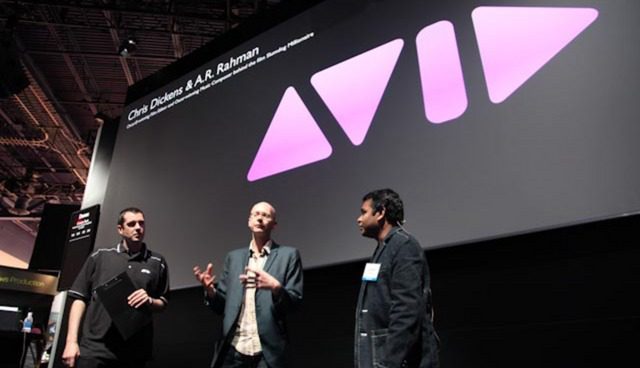
NAB 2009 – Chris Dickens and A.R. Rahman of Slumdog Millionaire
Oscar®-winning Film Editor and Oscar-winning Music Composer behind the film Slumdog Millionaire offer an engaging look at their collaborative efforts and the creative process behind
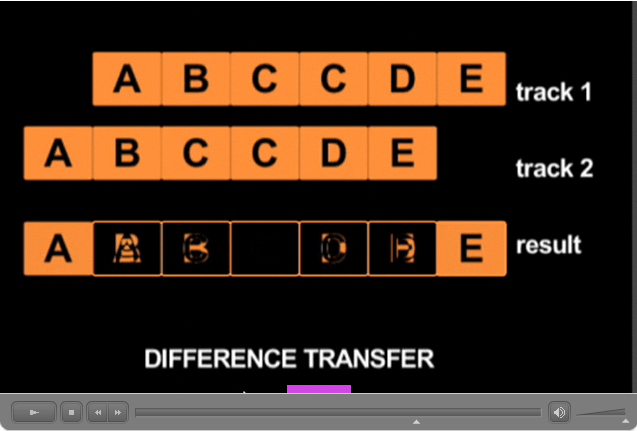
Avid DS Repeated Frames Detection
Repeated (duplicate) frames sometimes happen in file based workflows. Detecting a repeated frame visually in slow moving material can be a challenge. Learn how
Avid DS Stereoscopic Containers
Avid DS v10 is capable of stereoscopic (3D) editing, effects and playback. This tutorial explains the stereoscopic setup basics. The tutorial comes with a free
Episode Eleven: Motion Tracking
Avid Certified Senior Instructor shows you how to use the Avid Media Composer Motion Tracking feature
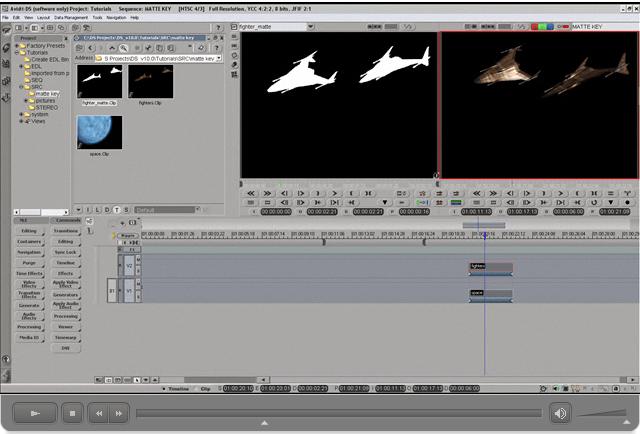
Avid DS Matte Key (Matte Containers)
Matte Containers in Avid DS allow you to combine a fill with a separate matte. Learn how to use this feature in this short tutorial
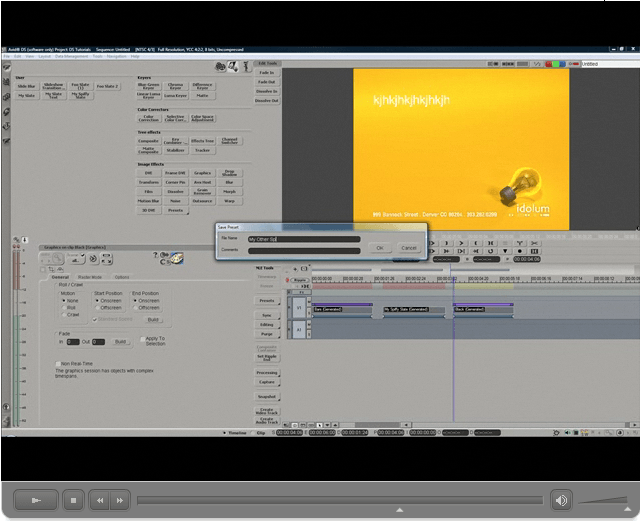
Custom Slates in DS
A couple of ways to make quickly-accessable custom slate backgrounds in DS


