Category: NewsCutter

Media Composer

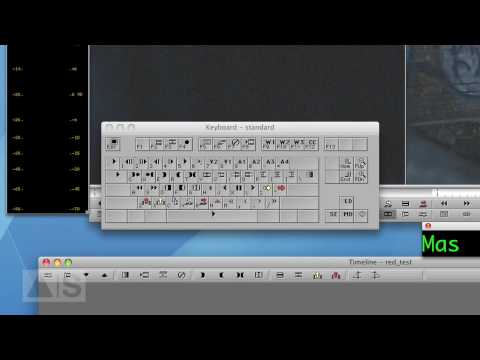
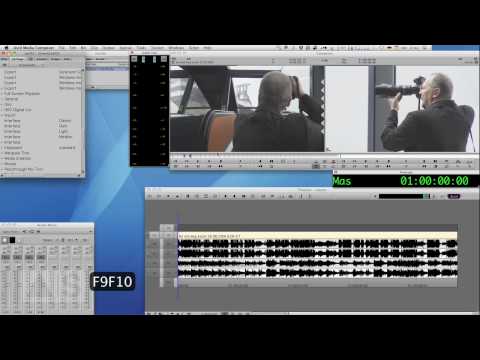
Avid Screencast #02: Toggling Timeline Views With Your Keyboard

In this episode, we’ll increase your productivity by being able to quickly switch between different timeline views. For example, just press a button on your keyboard and automatically enlarge the audio tracks while turning on the audio waveforms. It’s quick and easy! Check out the blog enry for this week’s episode: http://avidscreencast.com/asc02

Open Link
Media Composer

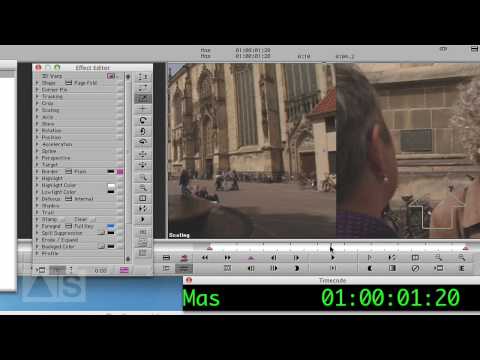
Mix and Match in Media Composer 4 – Media Composer Cutting Edge

When you need to cut together multiple video clips from a variety of sources in mixed resolutions, nothing gives you the speed or superb image quality of the new Mix and Match features in Avid Media Composer 4. Forget hardware transcoding; with Media Composer 4 software, you can freely mix and match HD and SD

Open Link
Media Composer

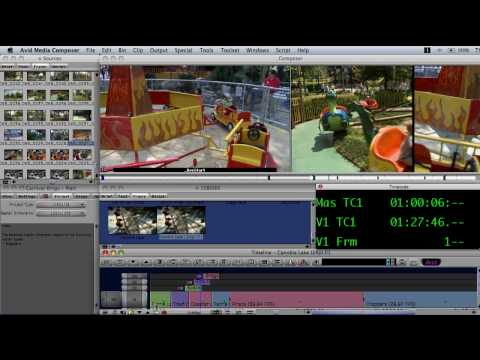
Read Audio Timecode – Media Composer Cutting Edge

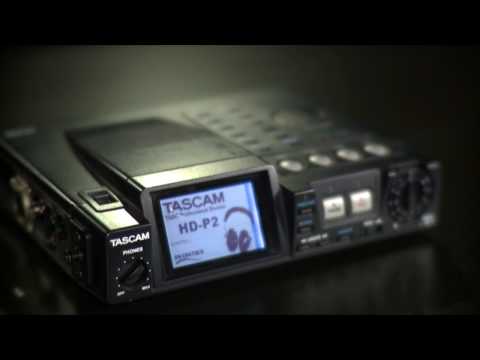
Gain more flexibility during production with Read Audio Timecode, a feature in Avid Media Composer that allows you to capture audio and video separately and then automatically synchronize the sources together as you begin editing. During production, you use an external timecode generator to sync the internal clock of the sound recorder, while feeding the

Open Link
Media Composer

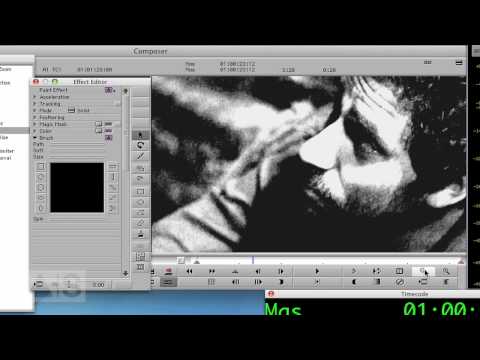
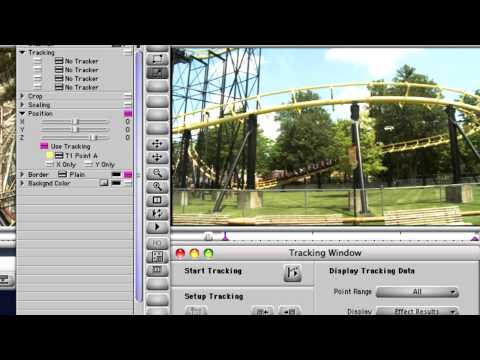
Episode Nine: Intraframe Editing using the Clone Mode

Intraframe editing really has a million-and-one uses!  Check this one out as we enhance a scene using clone, erase and lighten objects creating a second distant island in the background.  This was shot on location at North Head near Devonport which is located on the north shore of Auckland harbour, New Zealand.

Open Link
Media Composer

Episode Four: Audio Mixer Tips

So you think you know everything there is to know about the Audio Mixer tool eh?  Think again,  This is a powerful tool with many facilities to help you “tweak” your audio mix quickly and easily.  Check it out! The avid link below has better quality (f.y.i)

Open Link