Tag: BorisFX

Media Composer

Continuum 11: Intro for Avid

New! Continuum 11 is now available for Avid! Get an overview of what’s new for Avid editors, including Primatte Studio for keying & compositing, a new 360/VR Unit for editing tasks, Broadcast Safe, Title Studio enhancements & new presets, and more. Learn more about Continuum 11: http://www.borisfx.com/products/conti…

Open Link
Media Composer

Continuum 11: VR Unit for Avid Media Composer

New in Boris Continuum 11 is the VR Unit. 5 new filters, optimized for 360 video editing and finishing tasks inside of Avid Media Composer. The VR Unit includes: VR Blur, VR Sharpen, VR Reorient, VR Insert and VR Flicker Fixer. These new filters support mono & stereoscopic 360 formats such as top/bottom. For more

Open Link
Media Composer

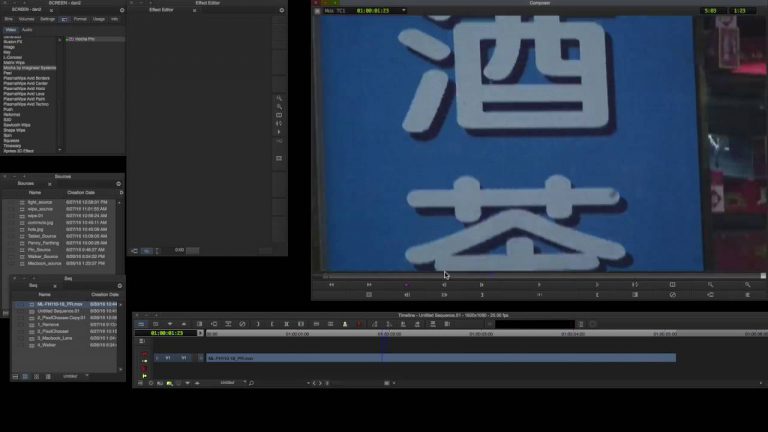
Let’s Edit with Media Composer – Basic Screen Replacements

In this lesson, Kevin P McAuliffe talks about another common task that editors are asked to do all the time, and that is replace a screen in a shot with another image. As much as a task like this can be done in Media Composer, there are many situations you can run into, that will

Open Link
Media Composer

Let’s Edit with Media Composer – BCC 11’s Enhanced Avid Workflow

In this lesson, Kevin P McAuliffe talks about BCC 11’s new Media Composer workflow. In the past, editors were limited to working with BCC effects in their composites. Now, with the release of version 11, the development team has updated the effects workflow for BCC to allow Sapphire 11 effects to be incorporated in your
Open Link
Media Composer

Let’s Edit with Media Composer – Quick Title Changes in BCC Title Studio

In this lesson, Kevin P McAuliffe is talking about BCC’s Title Studio, and a great “under the hood” feature that will really speed up your editing workflow. What’s the most difficult part about creating credit sequences? It’s getting in and adjusting the names if you’re made a mistake, or changes have been made to your

Open Link
Media Composer

Let’s Edit with Media Composer – Creating Film Looks with BCC

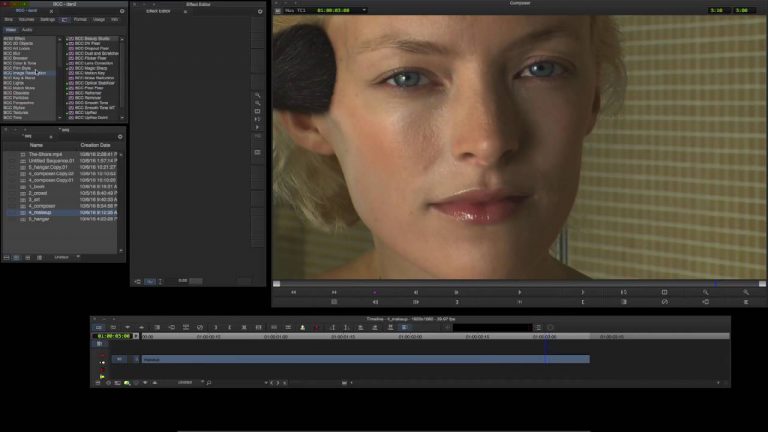
In this lesson, Kevin P McAuliffe talks about how to create organic looking film looks, using some effects from Boris Continuum Complete. One thing you’ll notice with all the effects that are used, is that the adjustments to the individual effects might be minor, but once they are all combined together, they create a very

Open Link
Media Composer

Solve Difficult Keying with BCC Chroma Key Studio in Avid Media Composer

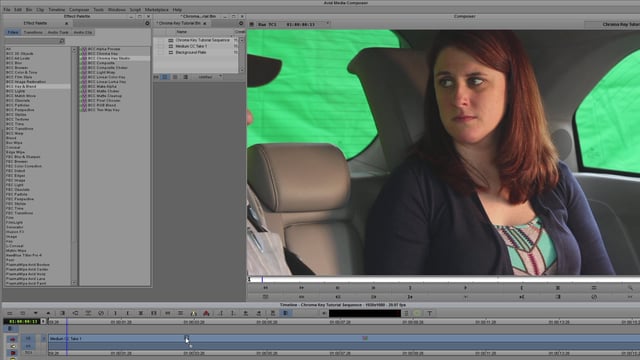
Fix poorly lit green screens with the plug-ins found in Boris Continuum Complete. In this tutorial, Vin Morreale shows how he salvaged a green screen shot with a combination of Chroma Key Studio, Fast Film Process, Title Studio and Grunge – all inside of Avid Media Composer. BCC Chroma Key Studio is an all-in-one keying

Open Link
Media Composer

Let’s Edit with Media Composer: Sapphire Builder Part 1

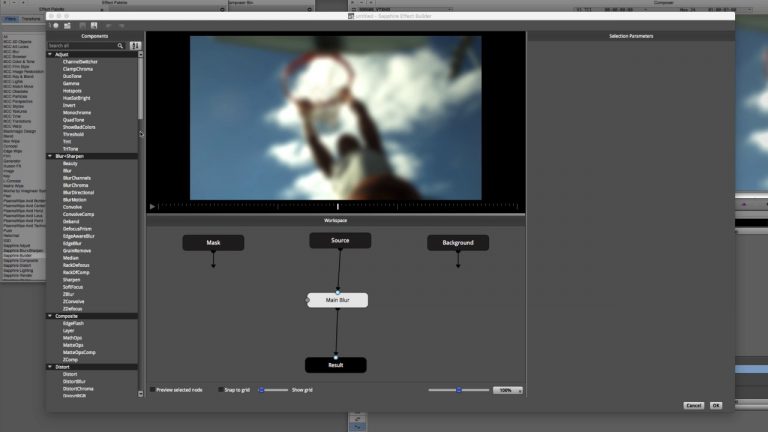
In this beginner tutorial, Avid editor Kevin P. McAuliffe shows how Media Composer editors can easily get up-and-running with the new & improved Sapphire Builder tool to build complex effects using node based compositing. Learn more about Sapphire 10: borisfx.com/pages/sapphire Learn more about Boris FX: borisfx.com

Open Link
Media Composer

Learn how to use the BCC PixelChooser with mocha in Avid Media Composer

Included with most every filter in BCC 10, the integrated PixelChooser with mocha is a sophisticated matte and masking system with planar tracking that makes fast work of isolating filter effects to a specific region of a clip. In this 15 minute tutorial, UK based Colourist and Finishing Artist Dan Harvey demonstrates how to leverage

Open Link
Media Composer

Let’s Edit with Media Composer – ADVANCED – BCC Transitions

In this lesson, Kevin P McAuliffe starts things off by talking about the importance of updating your BCC 10.0.2 effects package, and not just for the obvious reason of bug fixes, then he moves on and talks about transitions inside of BCC, and how with a little bit of creativity, you can take one transition,

Open Link