Media Composer
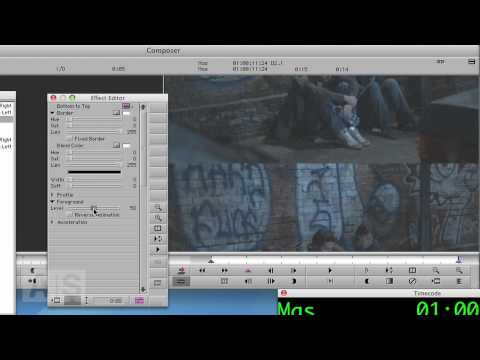
Avid Screencast #18: Broken Projector Transition
Create a transition that looks like a broken projector image flicker. http://www.avidscreencast.com/asc18

Create a transition that looks like a broken projector image flicker. http://www.avidscreencast.com/asc18
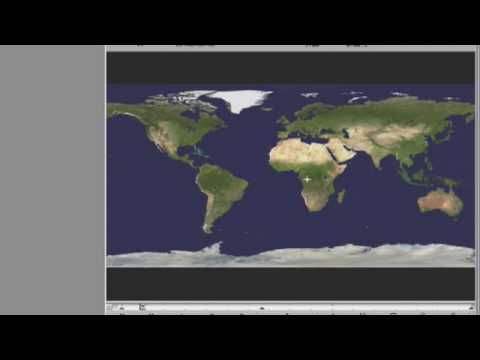
Check out how you can use the Avid Pan & Zoom plugin to preserve all the detail in your hi res graphics when using them in Media Composer.
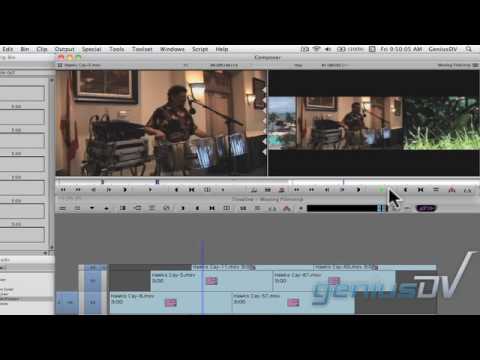
Create a moving filmstrip effect for Avid Media Composer. This is a great lesson for using keyframes and compositing techniques. You can view the entire transcript of this Media Composer video tutorial by visiting: http://www.geniusdv.com/news_and_tutorials/2010/02/moving_filmstrip_effect_fo…

Use Avid Media Composer’s Marquee Title tool to create a sequence of 3D characters that fade up one at a time. You can view more information related to this Avid Media Composer’s Marquee tutorial by visiting:
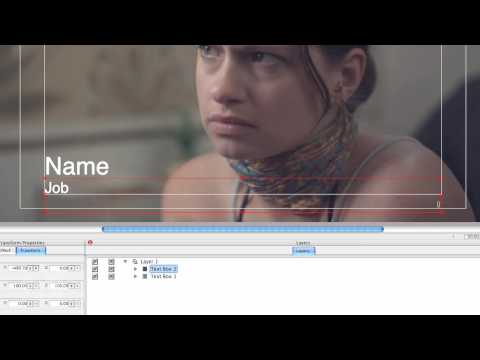
So you have a bunch of subtitles or lower thirds to do. They all look the same, except for the contents. You’re not seriously considering doing them all by hand in Title Tool, are you? Enter Marquee’s Autotitler, which is here to make your life easy. Honestly, if you didn’t know about this one, you
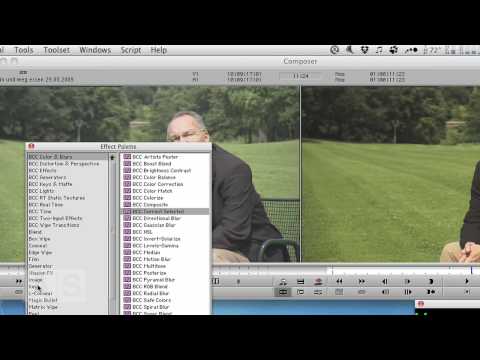
Create a secondary color correction in Avid Media Composer. http://www.avidscreencast.com/asc16
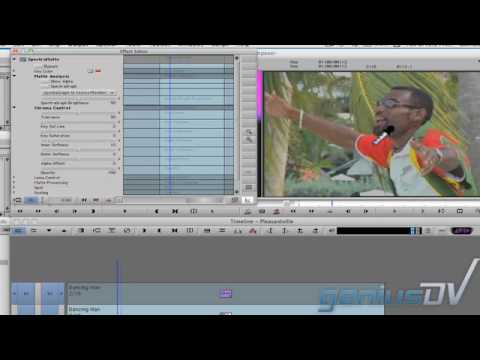
Learn how to create the Pleasantville effect with Avid Media Composer using the SpetraMatte keyer.
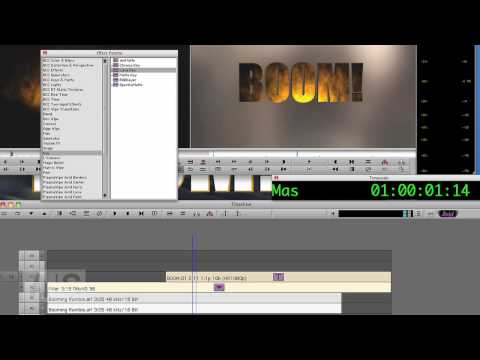
Sometimes the good, old title with static text just doesn’t cut it. In this episode, we’ll make the text be another layer of video.
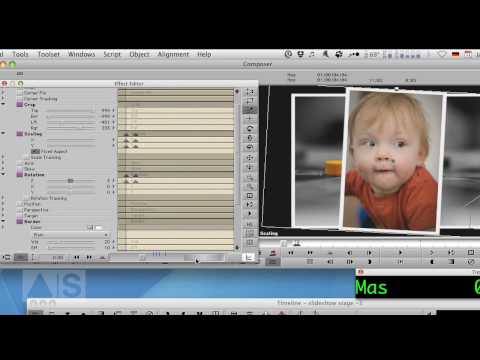
Create a visually interesting photo slideshow by stacking the photos on top of each other and animating them!
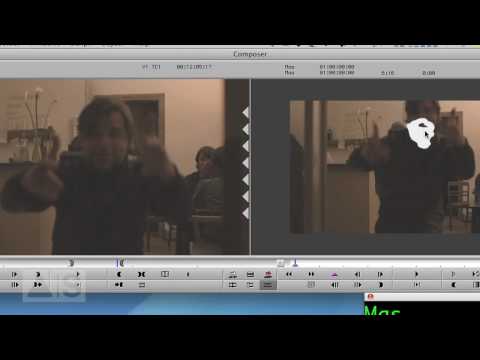
PLEASE NOTE: This is a special Christmas Episode, so… be prepared for that 🙂 Sometimes, you need to obscure the face of a person, be it for legal or aesthetic reasons. In this episode, we’ll do just that using a very special technique. Check out the blog entry for this week’s episode: http://avidscreencast.com/asc10
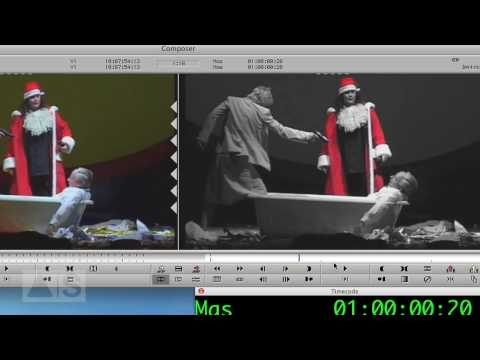
In this episode, we’ll create the Pleasantville Effect – everything is black-and-white except for one color – using a Spectramatte and an Animatte for creating a garbage matte. Check out the blog enry for this week’s episode: http://avidscreencast.com/asc05
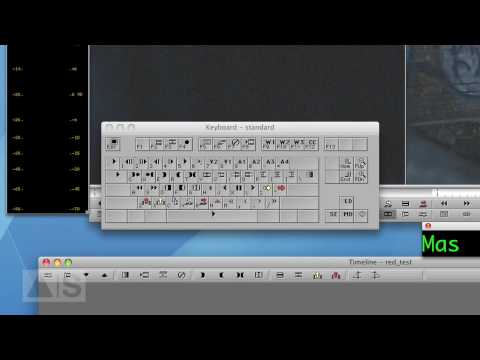
In this episode, I’ll show you how to remap your keyboard and give you a couple of ideas on what functions to map to it. If this does not make you at least 10% more productive, I’ll refund your money. Check out the blog enry for this week’s episode: http://avidscreencast.com/asc06
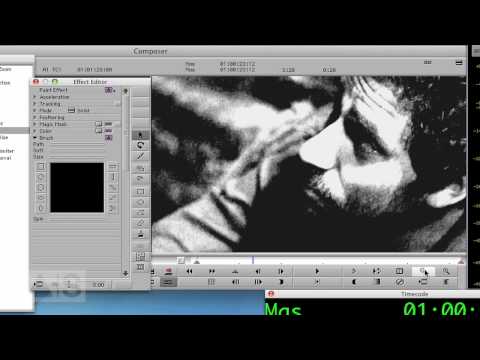
Create a high-contrast colorized look to your image to make it pop! Check out the blog enry for this week’s episode: http://avidscreencast.com/asc07
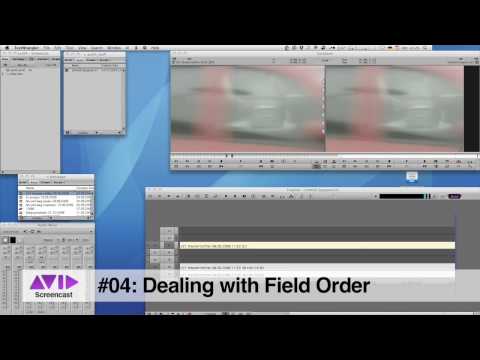
In this episode, we’ll combat the stuttery mess of wrongly imported or ingested interlaced video footage by swapping the field order with the help of the Matte Key real-time effect. Buckle up, this one’s going to get geeky! And don’t forget to check out the show notes for more. Check out the blog enry for
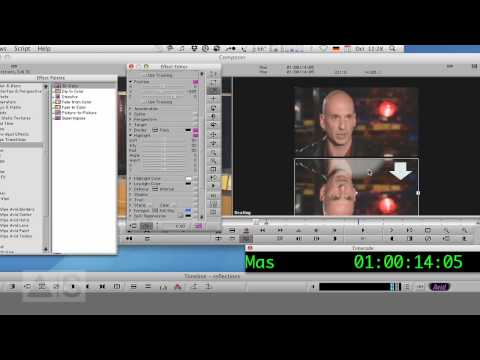
In this episode, we’ll create shiny reflections of video as you may know them from the iTunes Store or advertisements. To accomplish that, we’ll use the real-time 3D Warp effect and all of it is going to take less than five minutes! Check out the blog enry for this week’s episode: http://avidscreencast.com/asc01

Hi, I’m the guy updating this site. I hope you enjoy it, and that it’s useful for you. I don’t make the videos here, but I do collect them and add it here, so you can find them.
If you enjoy this page, and you absolutely want to give something back for my work of collecting these, then here is my paypal.

