Let’s Edit with Media Composer – What’s New in 8.7

In this lesson, Kevin P McAuliffe gives you an overview of the hot new features inside of the newest update to Avid Media Composer, version 8.7. Not only does this feature update include welcome features like Frame Flex rotation presets (90 deg clockwise and counterclockwise), but a fix has come to an issue that has plagued MC editors for years (20 years for me), and that is the ability to match frame titles and matte keys. Now with the click of a mouse, you can find those titles and mattes to quickly and easily edit them into another timeline! These, plus many other features updates, makes this version of Media Composer an exciting one!

Channel: www.youtube.com/letseditMC_avid
Facebook: http://www.facebook.com/LetsEditwithM…
Twitter: @kpmcauliffe
e-mail: kevinpmcauliffe@gmail.com

More like this

Media Composer

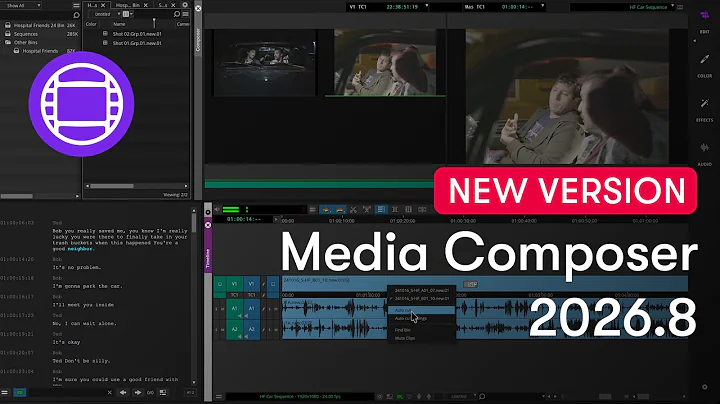
What’s New in Media Composer 2026.8

Avid Media Composer 2026.8 is focused on helping editors move faster, collaborate with more flexibility, and scale into the workflows their teams need. This release brings fully supported and secure collaboration across shared storage solutions with Media Composer Enterprise, accelerates multicam editorial with PhraseFindAI Multicam Auto Cut, improves transcript control, and adds practical workflow enhancements

Watch now
Media Composer

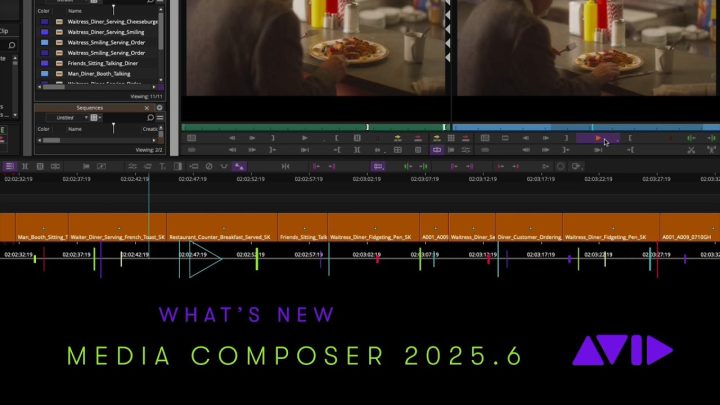
What’s New in Media Composer 2025.6

Media Composer 2025.6 includes many updates that give you more control when working with transcripts, using OpenTimelineIO to exchange sequences between applications and adds enhancements to the Avid Titler with text labels in the timeline and exporting titles with an EDL. Additionally, you can benefit from an efficient proxy workflow that lets you switch between

Watch now
Media Composer

What’s new in Media Composer 2024.12?

Useful info down here!!! Link to video on how to port Avid User settings to new profile:https://youtu.be/KeOlOtTVgBw Link to Avid version tracker spreadsheet:https://docs.google.com/document/d/138AUOAukUjOeXMONWUXctRneLI9kLEuxr-9qweH1cVU/edit?usp=sharing If you liked this video here’s where you can find more of my content: Instagram (updates)https://instagram.com/jackbrownbfe Patreon (Exclusive membership perks and videos)https://patreon.com/theavidassistant Specs of my system at time of recording the videoMacBook

Watch now