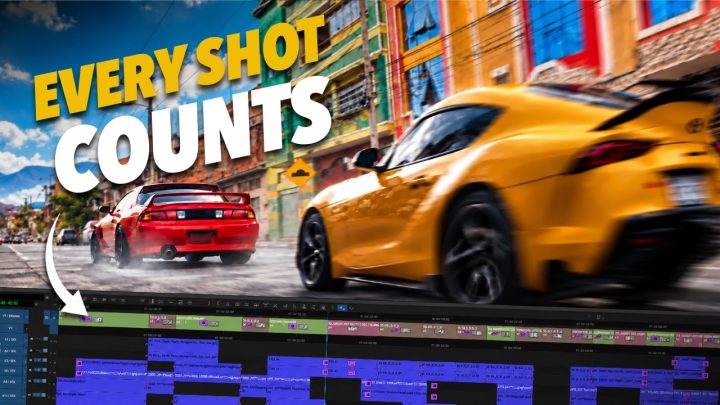
In this video we’ll look at how to lock tracks in Avid Media Composer so no editing can take place on those tracks. Track Locks are helpful to maintain an edit, to “lock it in”. When you lock a track, no further editing can take place on that track (or tracks), you can not even add effects. This is great if you put in a lot of work in your first pass of editing and want to ensure that you do not accidentally mess something up on your second pass of editing. You can lock and unlock tracks anytime you want in Media Composer.