Let’s Edit with Media Composer – What’s New in 2018.7?

In this lesson, Kevin P McAuliffe discusses the newest release of Media Composer, 2018.7, and with it comes one of the first big promised features of Media Composer, and that is the Live Timeline. This, plus some other great new additions, makes 2018.7 an update that you’ll seriously want to consider

New Features of Media Composer 2018.7

16K Project Presets
Activating AC3 Separately
Support for Full Frame Stereoscopic with Avid Artist DNxIQ
Thin Raster Support with Open I/O Hardware
Resizable Composer window
Working with BXF Files
Preview Growing Sequences and Clips while Exporting to DNxHR or DNxHD
Exporting XDCAM OP1a Media
Performing an Insert Edit to an Exported Sequence
Support for NewTek® NDI Video over IP
Live Timeline

Channel: https://www.youtube.com/letseditMC_avid
Facebook: https://www.facebook.com/LetsEditwithMediaComposer
Twitter: @kpmcauliffe e-mail: kevinpmcauliffe@gmail.com

FIND SIMILAR VIDEOS

More like this

Media Composer

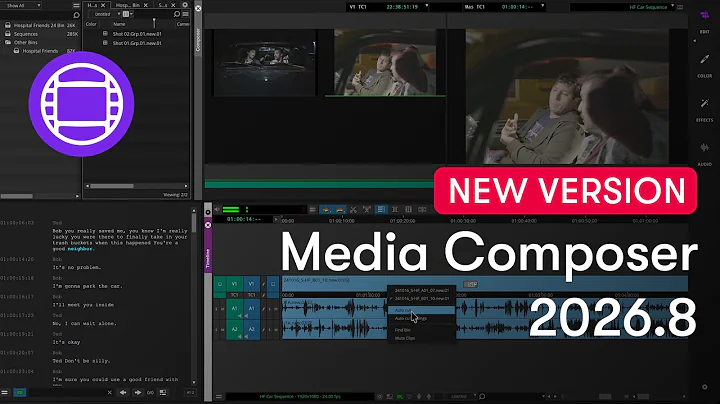
What’s New in Media Composer 2026.8

Avid Media Composer 2026.8 is focused on helping editors move faster, collaborate with more flexibility, and scale into the workflows their teams need. This release brings fully supported and secure collaboration across shared storage solutions with Media Composer Enterprise, accelerates multicam editorial with PhraseFindAI Multicam Auto Cut, improves transcript control, and adds practical workflow enhancements

Watch now
Media Composer

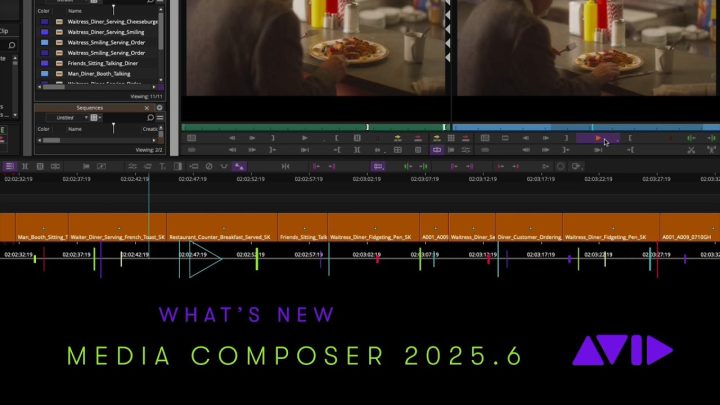
What’s New in Media Composer 2025.6

Media Composer 2025.6 includes many updates that give you more control when working with transcripts, using OpenTimelineIO to exchange sequences between applications and adds enhancements to the Avid Titler with text labels in the timeline and exporting titles with an EDL. Additionally, you can benefit from an efficient proxy workflow that lets you switch between

Watch now
Media Composer

What’s new in Media Composer 2024.12?

Useful info down here!!! Link to video on how to port Avid User settings to new profile:https://youtu.be/KeOlOtTVgBw Link to Avid version tracker spreadsheet:https://docs.google.com/document/d/138AUOAukUjOeXMONWUXctRneLI9kLEuxr-9qweH1cVU/edit?usp=sharing If you liked this video here’s where you can find more of my content: Instagram (updates)https://instagram.com/jackbrownbfe Patreon (Exclusive membership perks and videos)https://patreon.com/theavidassistant Specs of my system at time of recording the videoMacBook

Watch now