I put together a short 6-minute video for y’all that demonstrates some of the more obscure features of audio Sample Slip source effect, and the new narrower audio mixer tool. This covers, among other things:
• Option-arrow keys for positioning the source editor
• Direct timecode entry in the source editor
• Working with sample slip in the effect editor
• Getting slip onto a clip that is already in the sequence
• Panning of stereo clips in the new mixer
• Dynamic legends mode in the new mixer
• and as a bonus, how to pronounce “Lomicka”
It isn’t all-inclusive, but I tried to hit all the non-obvious behaviors.
– Jeff
Media Composer
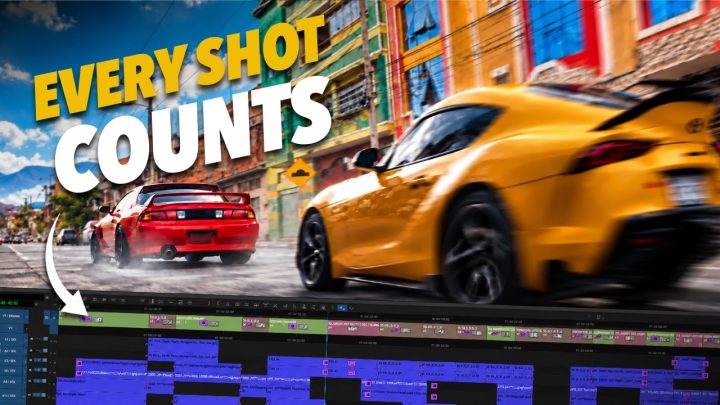
Why This Scene Needed More Than Just Cuts (Editing Breakdown)
See how I used creative editing techniques to make a car racing scene feel faster, longer, and more dramatic. Follow along in my actual Avid Media Composer timeline as I break down the decisions behind the sequence. I’ll show you how I manipulated speed, rearranged footage, created VFX shots, extended the sequence, and used sound