In this Boris TV episode, Kevin P. McAuliffe shows you how to remove flicker from video or fix pesky auto-iris camera issues using Boris Continuum Complete’s Flicker Fixer filter in Avid Symphony.


In this Boris TV episode, Kevin P. McAuliffe shows you how to remove flicker from video or fix pesky auto-iris camera issues using Boris Continuum Complete’s Flicker Fixer filter in Avid Symphony.
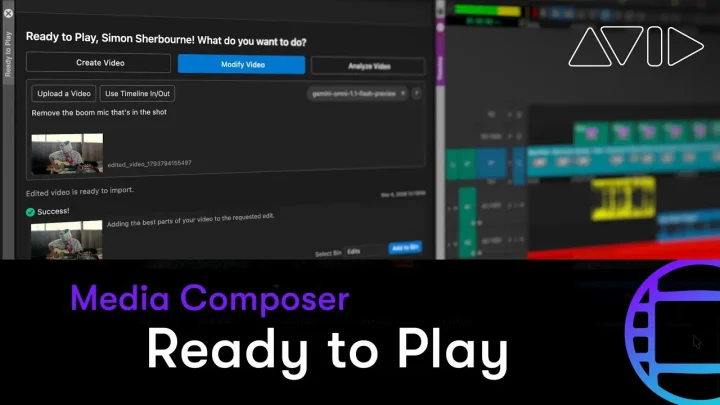
Introducing Ready to Play, a new creative AI experience for Avid Media Composer. See Create Video, Analyze Video, and Modify Video in action, giving editors new ways to explore ideas while keeping editorial decisions in their hands. Developed by Avid. Built with Google Gemini. LEARN MORE ▶️ https://avid.com/resource-center/whats-new-ready-to-play-avid-media-composerMEDIA COMPOSER ▶️ https://avid.com/media-composerMEDIA COMPOSER EXTENSIONS ▶️ https://www.avid.com/media-composer/extensions

Learn how to make proxies in Avid Media Composer using the new proxy workflow introduced in Media Composer 2026 (2025.6 and newer).In this step-by-step Avid tutorial, I’ll show you how to create and work with proxy media in Avid Media Composer, making it easier to edit with high-resolution footage while keeping your system running smoothly.This
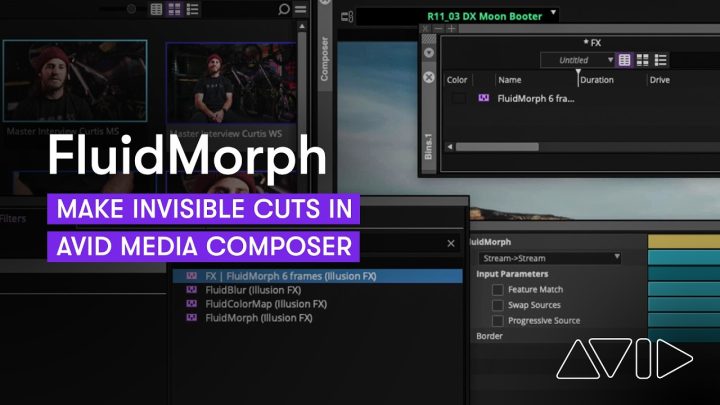
Sometimes the best edit is the one nobody notices.In this tutorial, Susan Vaill, ACE shares how she uses FluidMorph in Media Composer to tighten performances, remove pauses, and create seamless edits that preserve the flow of a scene. You’ll learn how to:• Remove unwanted pauses without cutting away• Hide jump cuts using FluidMorph• Adjust transition