Media Composer
How To Approach A First Assembly
Learn AVID faster so you have time to drink more beer!http://avidbeer.com

Learn AVID faster so you have time to drink more beer!http://avidbeer.com

Learn AVID faster so you have time to drink morebeer! http://avidbeer.com
Learn AVID faster so you have time to drink morebeer! http://avidbeer.com
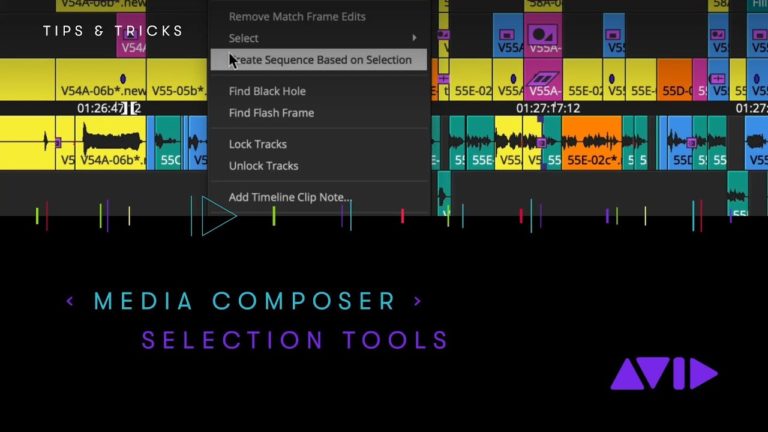
Did you know that you can select clips in your Media Composer timeline by source clip color? Or to see if any of your clips are muted or offline? It’s all about speed and efficiency in Avid Media Composer and we are showing you several ways to quickly and easily make clip or range selections
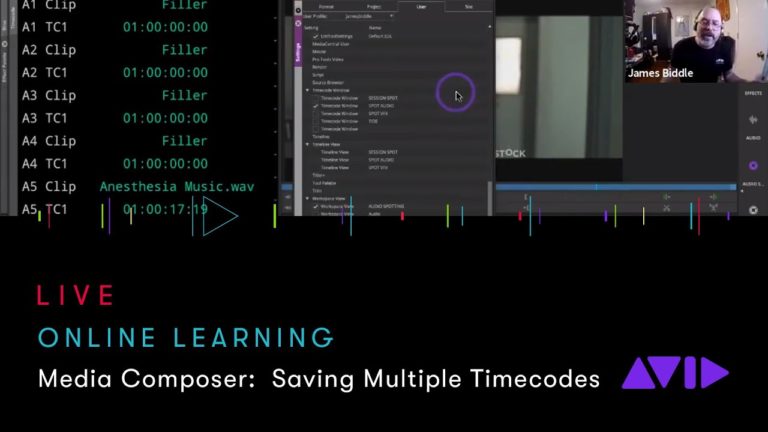
Join us live for the Avid Online Learning session — Media Composer: Saving Multiple Timecodes. Check out our calendar to watch this and more live videos on https://www.avid.com/online-learning Presentation starts at 2:19
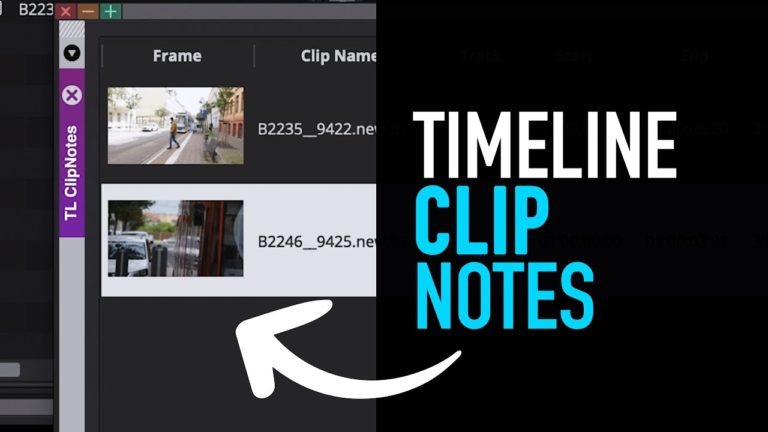
How to create Timeline Clip Notes in Avid Media Composer. Follow me on Instagram:https://www.instagram.com/ole.is.editing/ Music used in this video by: Biscuit (Prod. by Lukrembo)
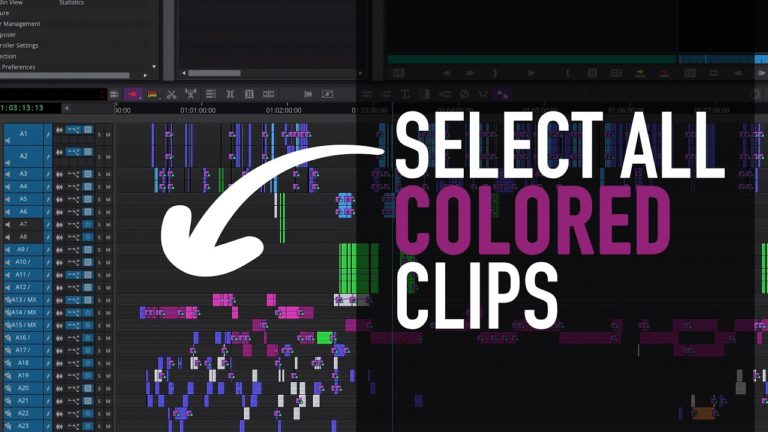
Avid is constantly updating Media Composer and it’s hard to keep up with all the great new features. Here are a few things that I really like and that helped me edit faster. Follow me on Instagram:https://www.instagram.com/ole.is.editing/ You have an Avid Media Composer tutorial request? Send me a message! Music used in this video by:
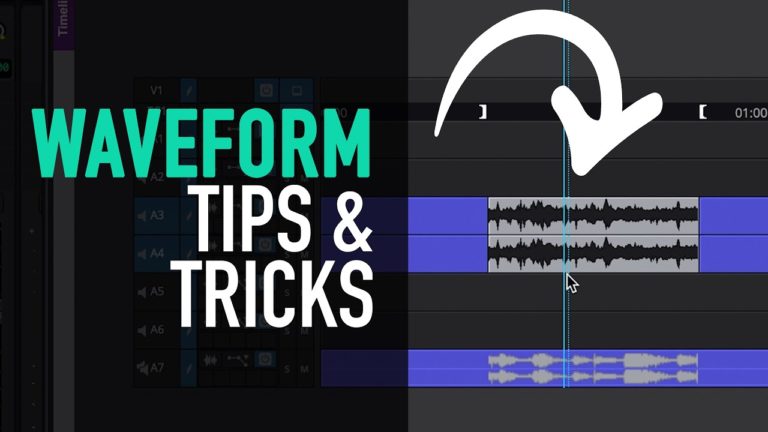
There are several different ways of adjusting your clip gain and displaying your audio waveforms. Follow me on Instagram:https://www.instagram.com/ole.is.editing/ Music used in this video by: Biscuit (Prod. by Lukrembo)
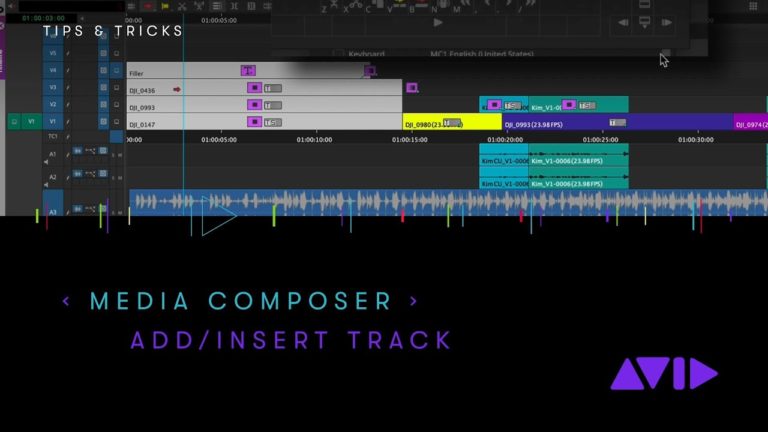
You can ADD a new Audio or Video track top or bottom of your current Avid Media Composer sequence with a keystroke or clip drag. But how do you easily INSERT a new track into a sequence with a simple keystroke?
Audio Rubberbanding otherwise known as keyframing audio in AVID explained! My favorite beer right now is Sierra Nevada Hazy IPA! Take the full online course at http://avidbeer.com
We welcomed Michael Krulik from Avid who showed the brand new re imagined Avid Media Composer 2019. Hosted by Michael Horton. In Collaboration with Surf Theater Productions
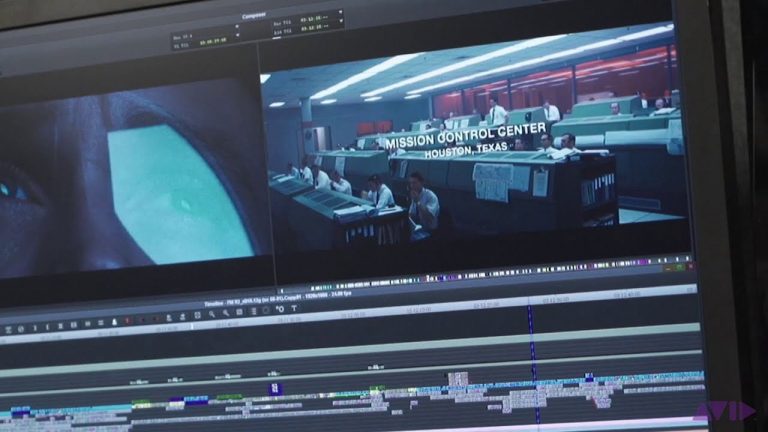
Editor Tom Cross gives you a guided tour of his incredible work on the movie, First Man. To hear the full interview with Tom, visit: www.theroughcutpod.com
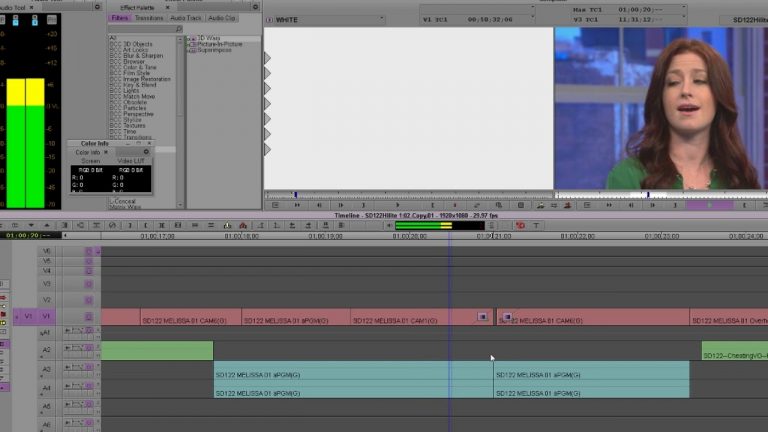
I’m going to talk out what I think is unconventional but the best way to do Dips to Black and White Flashes in AVID. Take the full online course at avidbeer.com Twitter — avidbeer
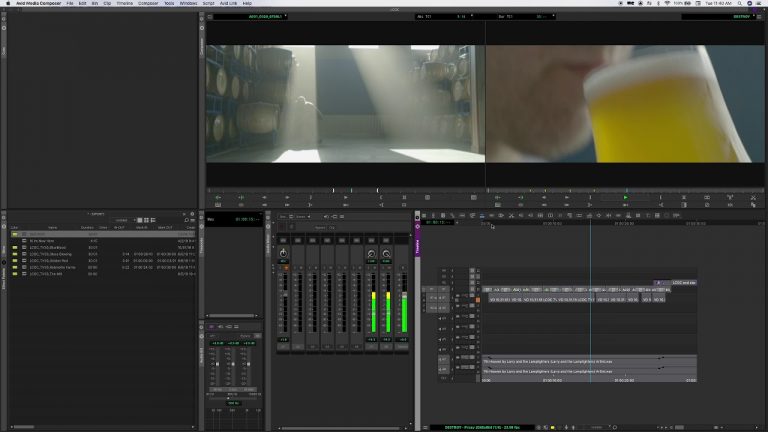
1:22 – Adding Markers1:57 – Volume2:51 – Limitation with cuts Whelp. Here’s my awesome tutorial on how to edit on the fly in the new Avid Media Composer. If you like watching good tutorials, leave now. ADDITIONAL NOTES: You can also Mute, Solo, and Show Waveform while it’s playing. If that matters to you.
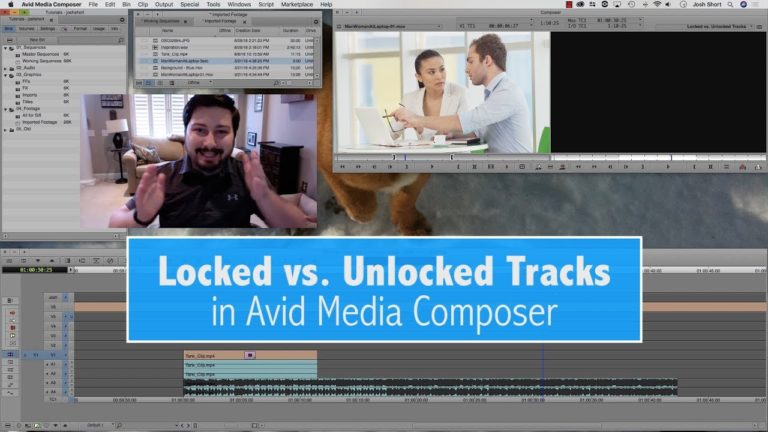
This video explains locked and unlocked tracks in Avid Media Composer. It is a companion tutorial for Lesson 4 of the Mastering Avid Media Composer’s Keyboard Shortcuts Series. Knowing this concept will keep you from knocking your clips out of sync.

Hi, I’m the guy updating this site. I hope you enjoy it, and that it’s useful for you. I don’t make the videos here, but I do collect them and add it here, so you can find them.
If you enjoy this page, and you absolutely want to give something back for my work of collecting these, then here is my paypal.

