Media Composer
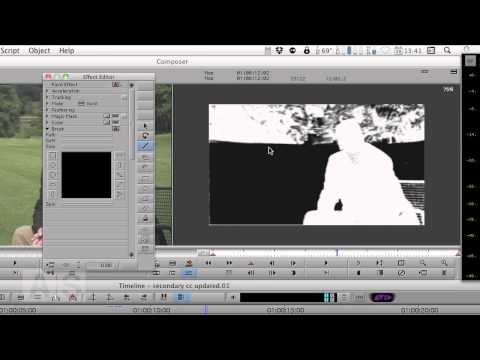
#40: Secondary Color Correction with Garbage Matte in Media Composer
Create a Secondary Color Correction with a Garbage Matte in Media Composer. It plays in real-time! http://www.avidscreencast.com/asc40

Create a Secondary Color Correction with a Garbage Matte in Media Composer. It plays in real-time! http://www.avidscreencast.com/asc40
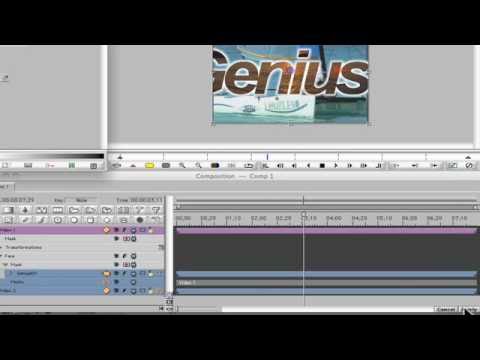
Learn how to use Avid FX (think Boris FX) with Avid Media Composer to create giant crawling text with video inside the letters. You can
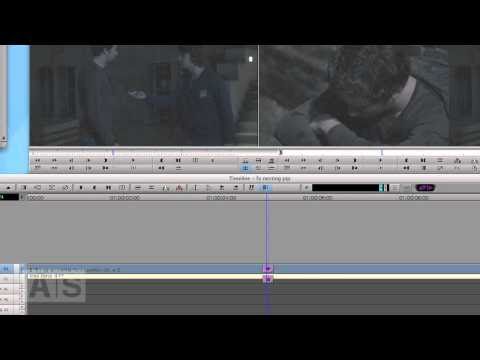
The way Media Composer processes effects has some weird side-effects: Sometimes an effect applied to an upper video track also affects the video tracks below
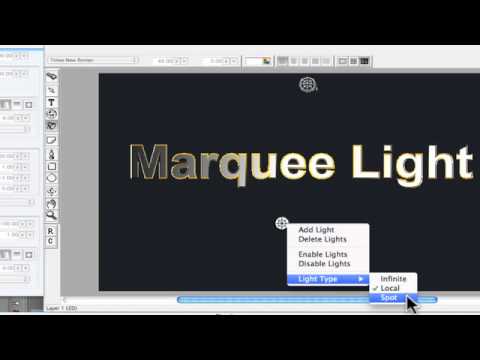
Learn how to create an animate a light within Avid Media Composer Marquee Title tool.
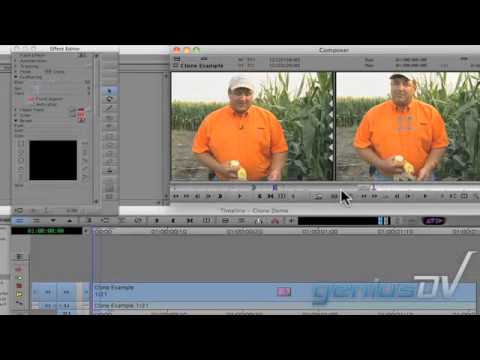
Learn how to clone and remove an object using Avid Media Composer. In this example, it’s used to removed a lavaliere microphone from a guys
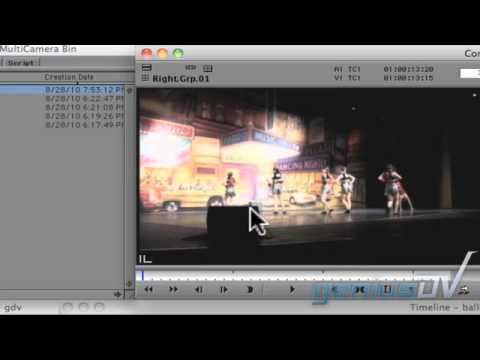
Here’s a very basic tutorial on how to set up a multi-camera edit using Avid Media Composer. I purposely made this tutorial very short to
Make the most of your media: http://apps.avid.com/make-most-media?cmpid=AV-SM-MTM-3 Going green in more ways than one, Discovery recently moved from tape to file-based workflows. “Everyone in the
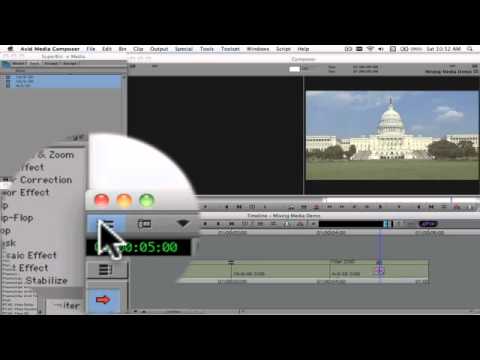
This tutorial demonstrates how to mix 16×9 and 4×3 aspect ratios within Avid Media Composer 5.0, newer versions have other features simplifying this workflow.
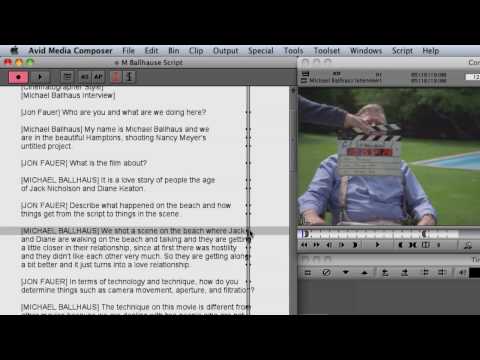
ScriptSync® gives Media Composer® editors a greater level of efficiency and control over their media then they’ve ever had before. Editors can simply and quickly
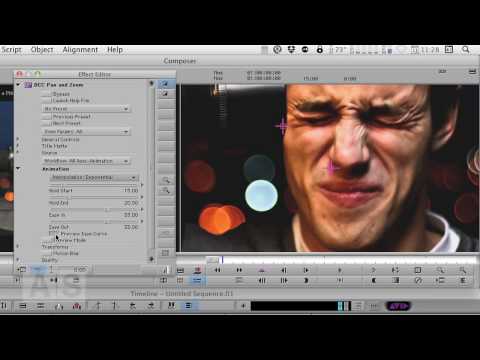
NOTE: I had to trim this video down because of Youtube length limitations. See the full episode at http://avidscreencast.com/asc38 After last week’s look into Avid’s
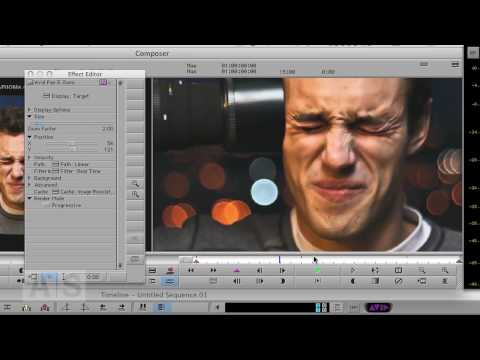
NOTE: I had to trim this video down severely because of Youtube length limitations. See the full episode at http://avidscreencast.com/asc37 I’ve had several requests for
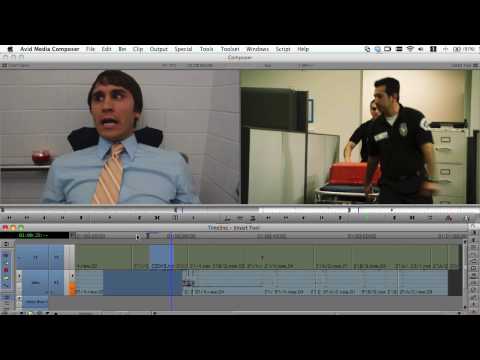
With the new Smart Tool in Media Composer 5, you gain a faster and easier way of editing video alongside the established precision approach. Learn
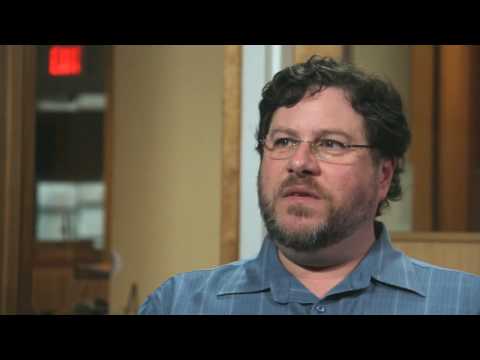
Business is literally booming for Powderhouse Productions, one of the most explosive forces in today’s non-fiction TV entertainment industry. And that, according to Rob Kirwan,
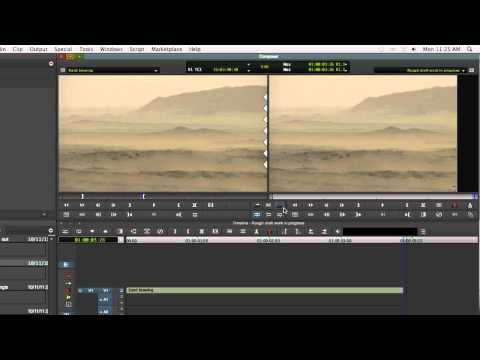
NOTE: I had to trim this video down severely because of Youtube length limitations. See the full episode at http://avidscreencast.com/asc36 With Media Composer 5, you
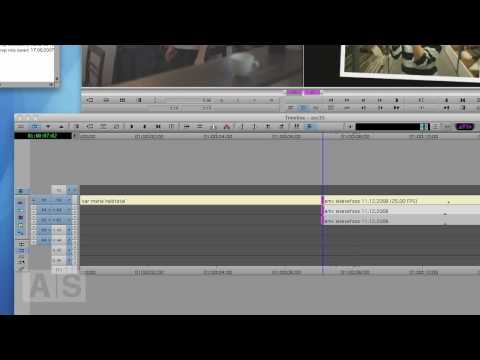
NOTE: I had to trim this video down severely because of Youtube length limitations. See the full episode at http://avidscreencast.com/asc35 A short introduction to the
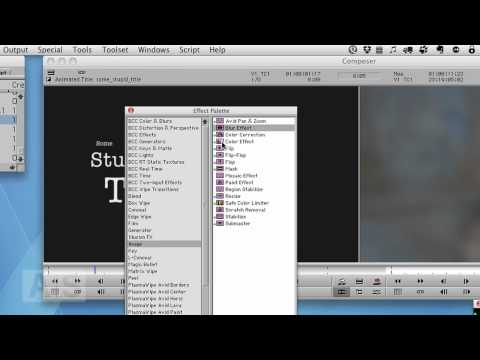
Create a Glow-like Film Flash Effect without using Boris Continuum Complete. http://www.avidscreencast.com/asc34
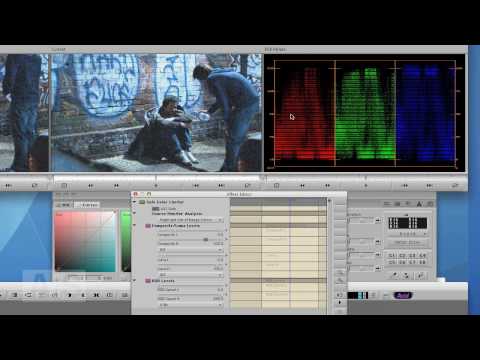
Nothing fancy, but a solid workhorse: Want to make sure that your sequence is complying with technical broadcast standards? The Safe Color Limiter Effect is
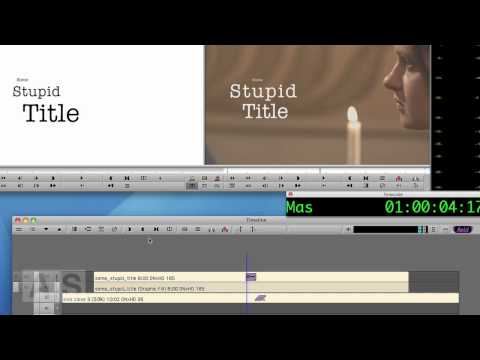
In this episode, we’ll transition into a title by starting with a blur and then slowly letting it focus. To do this we’ll have to
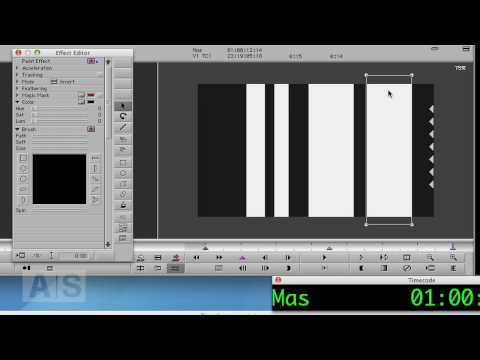
NOTE: I had to trim this video down because of Youtube length limitations. See the full episode at http://avidscreencast.com/asc31 This week’s episode features a request
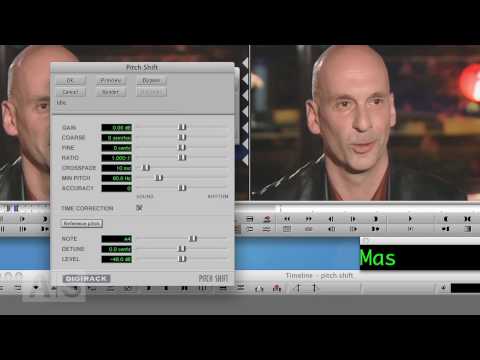
Everybody knows the Timewarp only applies to video. But what if you want to change the speed of your audio as well? In this episode,
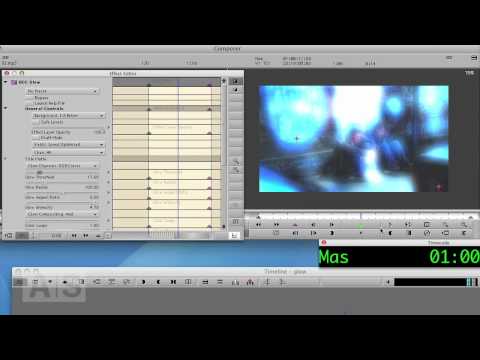
In this episode, we’ll create a nice Glow transition using a Boris Continuum Complete Effect that ships with Media Composer.
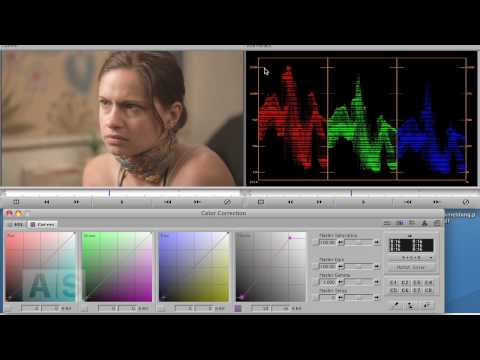
NOTE: I had to trim this video down because of Youtube length limitations. See the full episode at http://avidscreencast.com/asc28 In the final installment of the
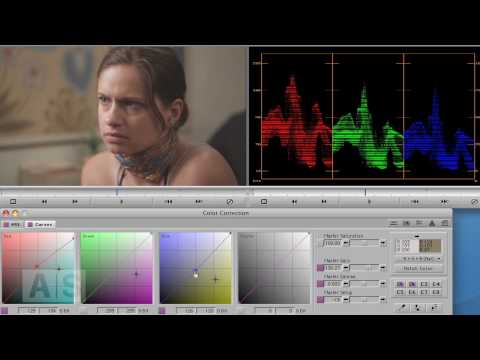
In this episode, we’ll continue matching one shot to another. We’ll do it manually, and we’ll use Avid’s curves. Here are direct links to the
The final installment in my three part Cheesy Transitions series. As usual, everything is done right inside Media Composer. This is one very, very powerful
One of the most common tasks when doing color correction is matching two shots. So this week and next, we’ll do exactly that. As always,
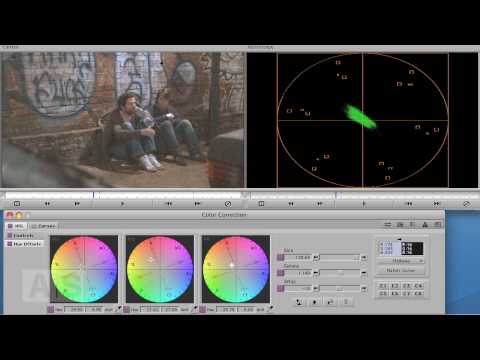
In last week’s episode, we chnaged the color balance of a shot with curves. This week we’ll do the same thing with the color wheels.
If you dont have a Nitris DX- or Mojo DX-based system, Media Composer 5 opens the door to third-party workflows, enabling you to monitor video
From Pro Tools® to Media Composer® we create audio and video technology that helps people make the most listened to, most watched and most loved
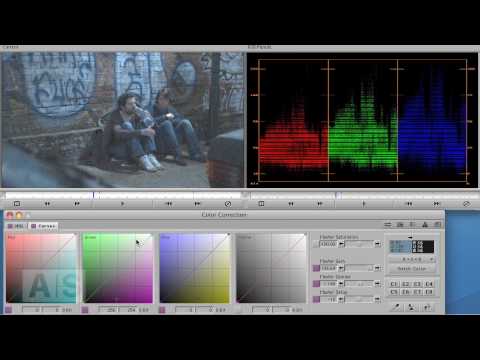
NOTE: I had to trim this video down because of Youtube length limitations. See the full episode at http://avidscreencast.com/asc24 In this episode, we’ll severely change
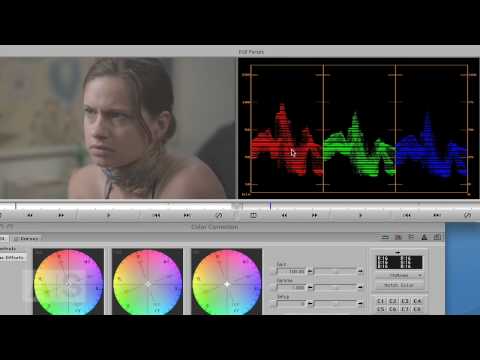
Before we start color correcting a shot, a few words about scopes. http://avidscreencast.com/asc22 Here are direct links to the other tutorials in this series: Color
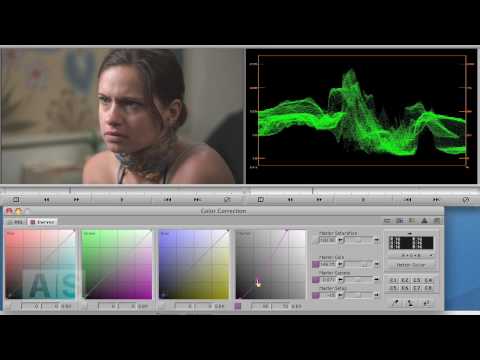
NOTE: I had to trim this video down because of Youtube length limitations. See the full episode at http://avidscreencast.com/asc23 Manipulate the contrast of an image
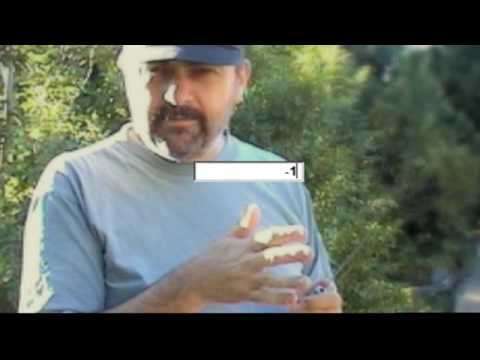
Yet another transition I recently saw that is really easy to build. Once again, no third-party applications. Everything is done right inside the Avid
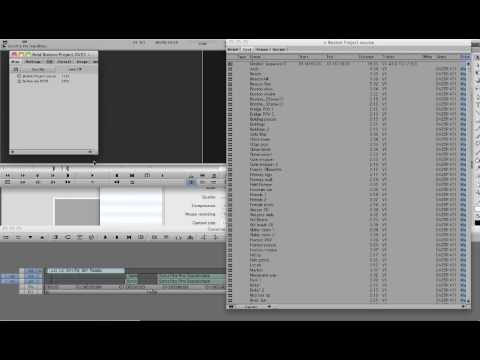
A short video tutorial on how to customize views in your Avid Media Composer bin. To learn more things like this, go to PostFifthPictures.com
In this episode, we take the Animatte a couple of steps further and check out an effect used for introducing talent in a TV show
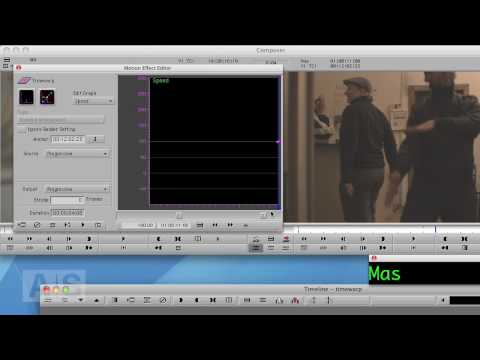
In this episode, we’ll continue our deep-dive into one of the most powerful and most-used effects in Avid: The Timewarp. We’ll cover the following basics
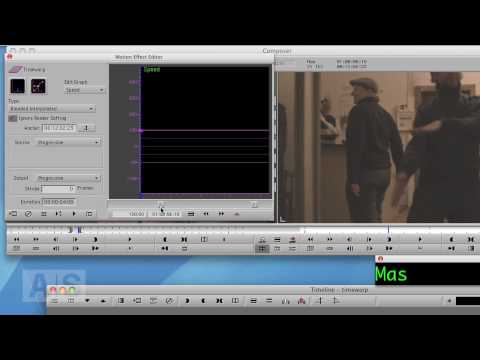
NOTE: I had to trim this video down because of Youtube length limitations. See the full episode at http://avidscreencast.com/asc20 In this episode, we’ll continue our
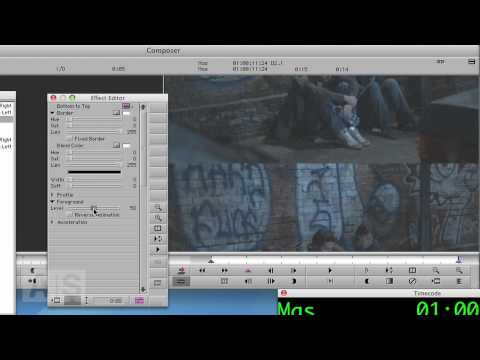
Create a transition that looks like a broken projector image flicker. http://www.avidscreencast.com/asc18
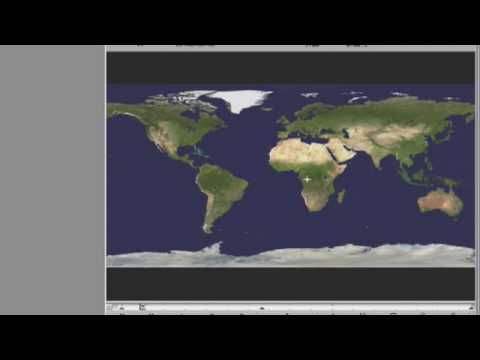
Check out how you can use the Avid Pan & Zoom plugin to preserve all the detail in your hi res graphics when using them
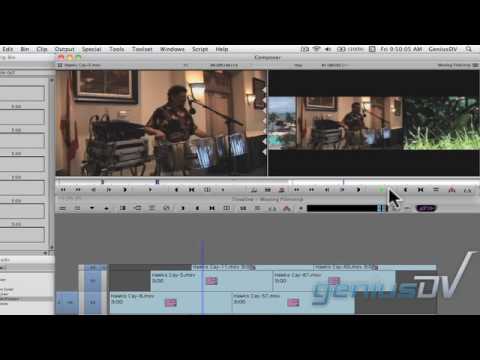
Create a moving filmstrip effect for Avid Media Composer. This is a great lesson for using keyframes and compositing techniques. You can view the entire

Use Avid Media Composer’s Marquee Title tool to create a sequence of 3D characters that fade up one at a time. You can view more
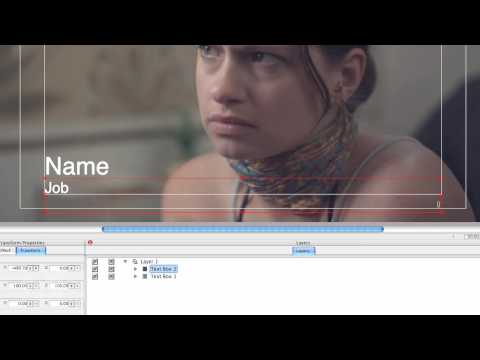
So you have a bunch of subtitles or lower thirds to do. They all look the same, except for the contents. You’re not seriously considering
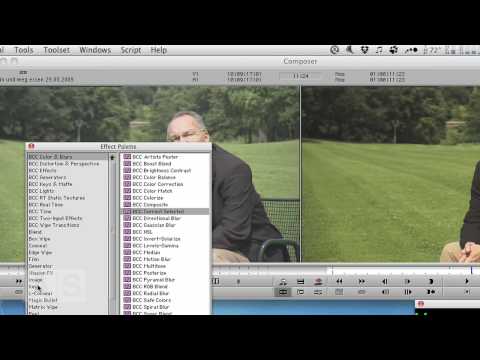
Create a secondary color correction in Avid Media Composer. http://www.avidscreencast.com/asc16
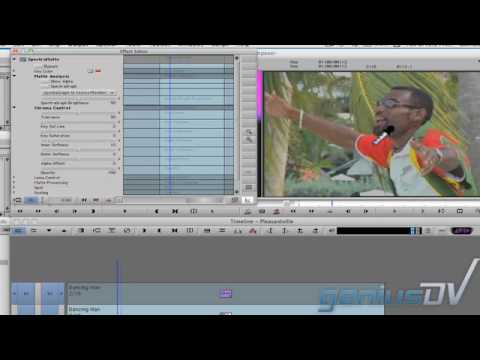
Learn how to create the Pleasantville effect with Avid Media Composer using the SpetraMatte keyer.
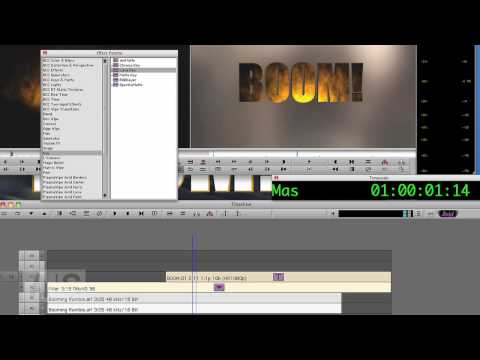
Sometimes the good, old title with static text just doesn’t cut it. In this episode, we’ll make the text be another layer of video.
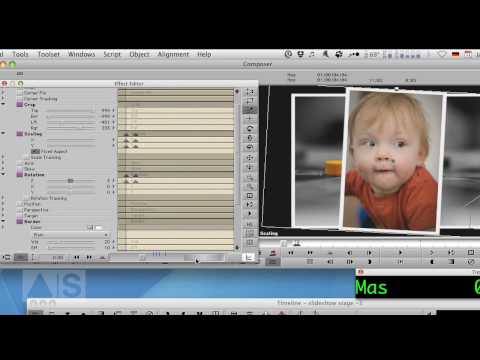
Create a visually interesting photo slideshow by stacking the photos on top of each other and animating them!
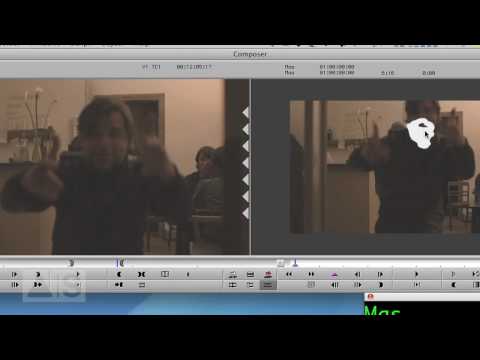
PLEASE NOTE: This is a special Christmas Episode, so… be prepared for that 🙂 Sometimes, you need to obscure the face of a person,
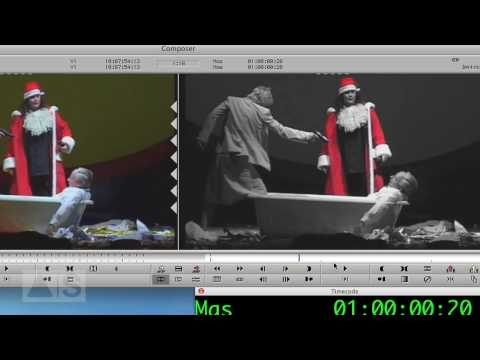
In this episode, we’ll create the Pleasantville Effect – everything is black-and-white except for one color – using a Spectramatte and an Animatte for creating
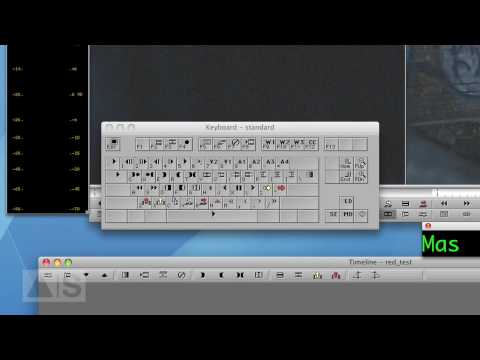
In this episode, I’ll show you how to remap your keyboard and give you a couple of ideas on what functions to map to it.

Hi, I’m the guy updating this site. I hope you enjoy it, and that it’s useful for you. I don’t make the videos here, but I do collect them and add it here, so you can find them.
If you enjoy this page, and you absolutely want to give something back for my work of collecting these, then here is my paypal.

