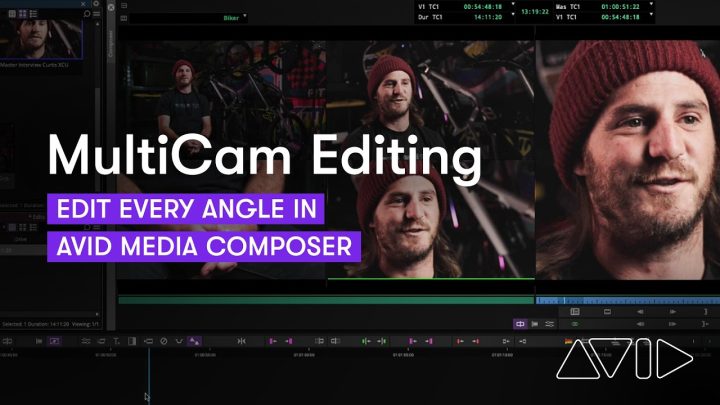
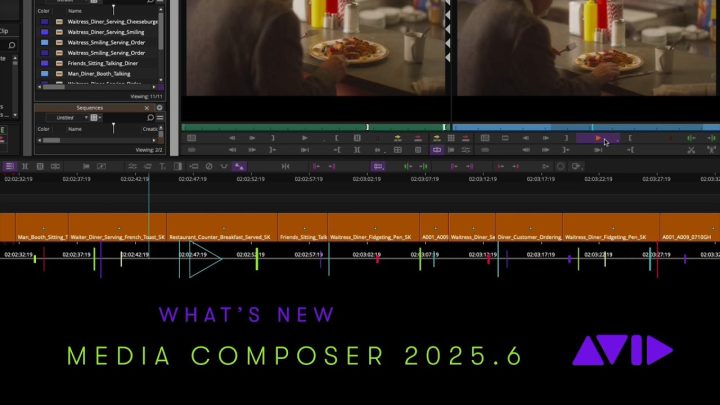
The new Media Composer now opens with your bins visible in the top left, and the settings list in your File menu, making it easier to see your user, project and site settings, as well as format information, the usage tab, and other configurations.
Media Composer
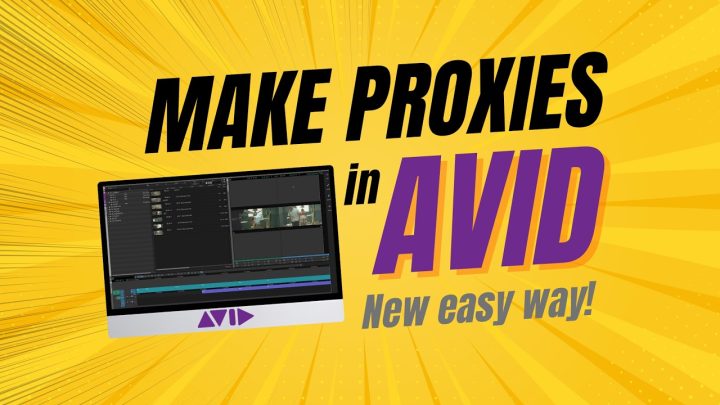
Make Proxies in Avid Media Composer 2026 | NEW Proxy Workflow- how to create Proxies in Avid
Learn how to make proxies in Avid Media Composer using the new proxy workflow introduced in Media Composer 2026 (2025.6 and newer).In this step-by-step Avid tutorial, I’ll show you how to create and work with proxy media in Avid Media Composer, making it easier to edit with high-resolution footage while keeping your system running smoothly.This