Avid Screencast #43: Audio Basics III – Very Basic Editing

This week, we’ll make some very simple audio edits, create transitions, check out waveforms and get rid of those horrid pops that are sometimes created by audio edits.

This is actually the first part of a show that was to include the audio mixer as well, but the episode just turned out to be way too long so I had to split it up into two parts.


 

This is a seven part series with Audio Settings, here are direct links to the other parts:

Audio Basics I – Settings, Settings, Settings
Audio Basics II – Stereo Tracks
Audio Basics III – Very Basic Editing
Audio Basics IV – Audio Mixer
Audio Basics V – Audio Keyframes
Audio Basics VI – Equalizer
Audio Basics VII – Audio Effects
FIND SIMILAR VIDEOS

More like this

Media Composer

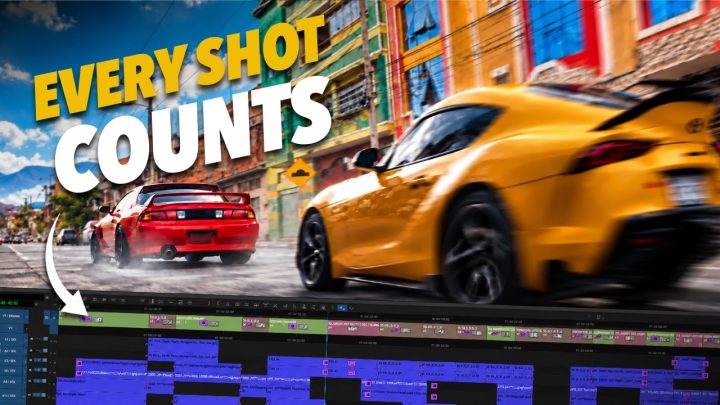
Why This Scene Needed More Than Just Cuts (Editing Breakdown)

See how I used creative editing techniques to make a car racing scene feel faster, longer, and more dramatic. Follow along in my actual Avid Media Composer timeline as I break down the decisions behind the sequence. I’ll show you how I manipulated speed, rearranged footage, created VFX shots, extended the sequence, and used sound

Watch now
Media Composer

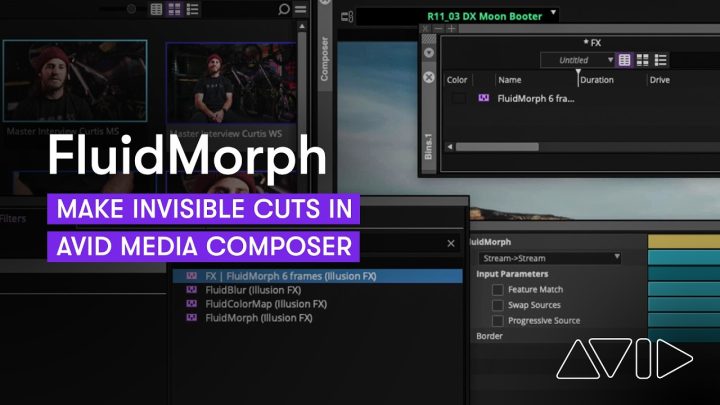
Create Invisible Cuts with FluidMorph in Media Composer

Sometimes the best edit is the one nobody notices.In this tutorial, Susan Vaill, ACE shares how she uses FluidMorph in Media Composer to tighten performances, remove pauses, and create seamless edits that preserve the flow of a scene. You’ll learn how to:• Remove unwanted pauses without cutting away• Hide jump cuts using FluidMorph• Adjust transition

Watch now